
Home

Partner

New

Explore

  1. Home/
  2. Blog/
  3. Design/
  4. The Must-Have Tools for UX Designers
Design

The Must-Have Tools for UX Designers

Get to know the latest UX Designers Must-Have Tools here with mentors, Ann Criqui and Joy Liu!
Ann Criqui
Ann Criqui
Feb 27, 2024
The Must-Have Tools for UX Designers

UX Designers need tools to support the efficiency of their workflow. These tools are able to assist UX designers in their design processes; sketching, wireframing, prototyping, user testing, handoff, optimization, and more. If you just started your career as a UX Designer, these top 7 barriers factors that prevent efficient workflow are worth to take note of: 

  • Technological, 
  • Habitual (or lack of habit) 
  • Work location
  • Cost
  • Security
  • Bad UX
  • Time
  • Human blockers (coworkers,boss)


With the right tools, UX Designers could boost their work efficiency as it helps to:

  • Assist with work Scalability
  • Assist with work Continuity
  • Maintain workflow
  • Share work progress
  • Collaborate with internal and external team
  • Focus more on the design part
  • Use common language that could be understand by all

In this blog, we will highlight the top must-have tools for UX Designers by 2 of our mentors, Ann Criqui, the Director of User Experience at Flatirons Solutions and Joy Liu, the Staff Product Designer at ServiceNow. Saved this blog for your future reference!

Check out Creative Fabrica for awesome free fonts!
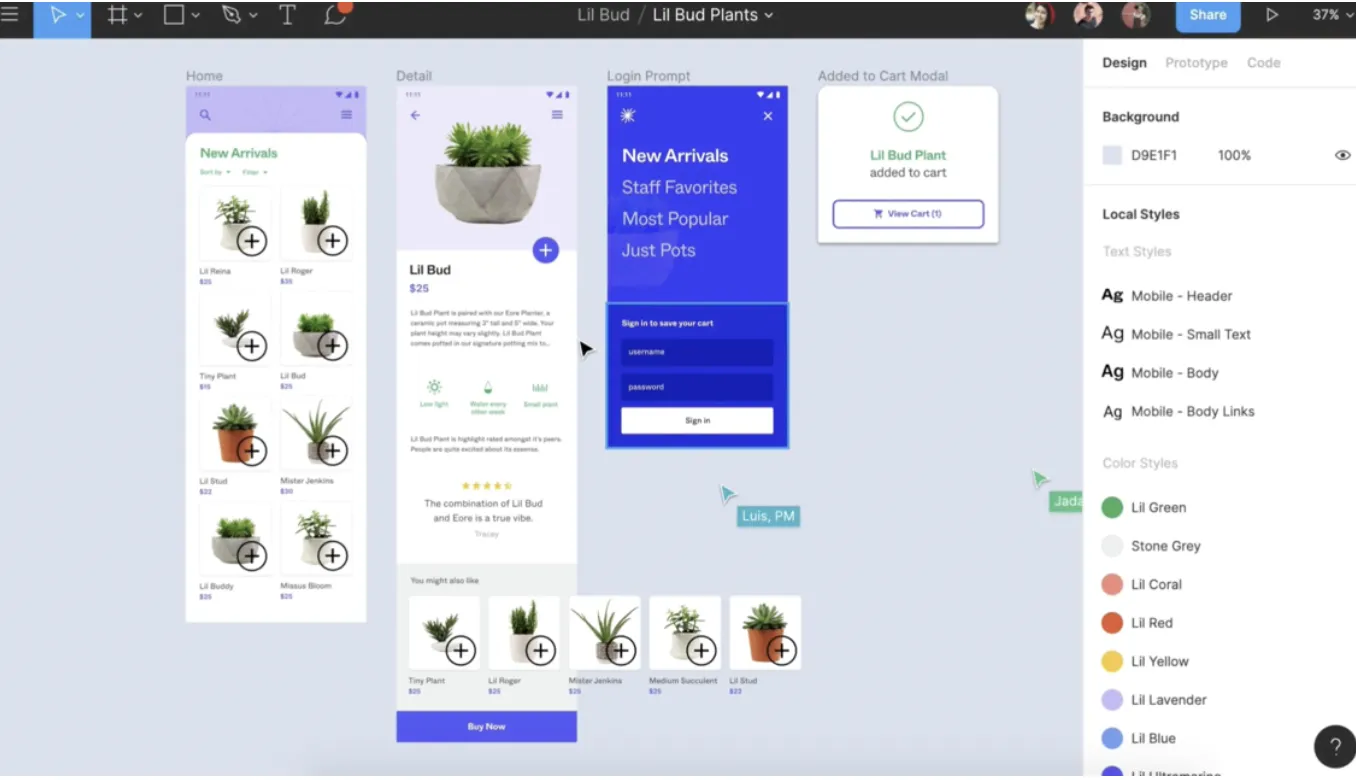
Ann Criqui recommended tools:

Figma

The Must-Have Tools for UX Designers  — image 1
    Credit: UX Planet 


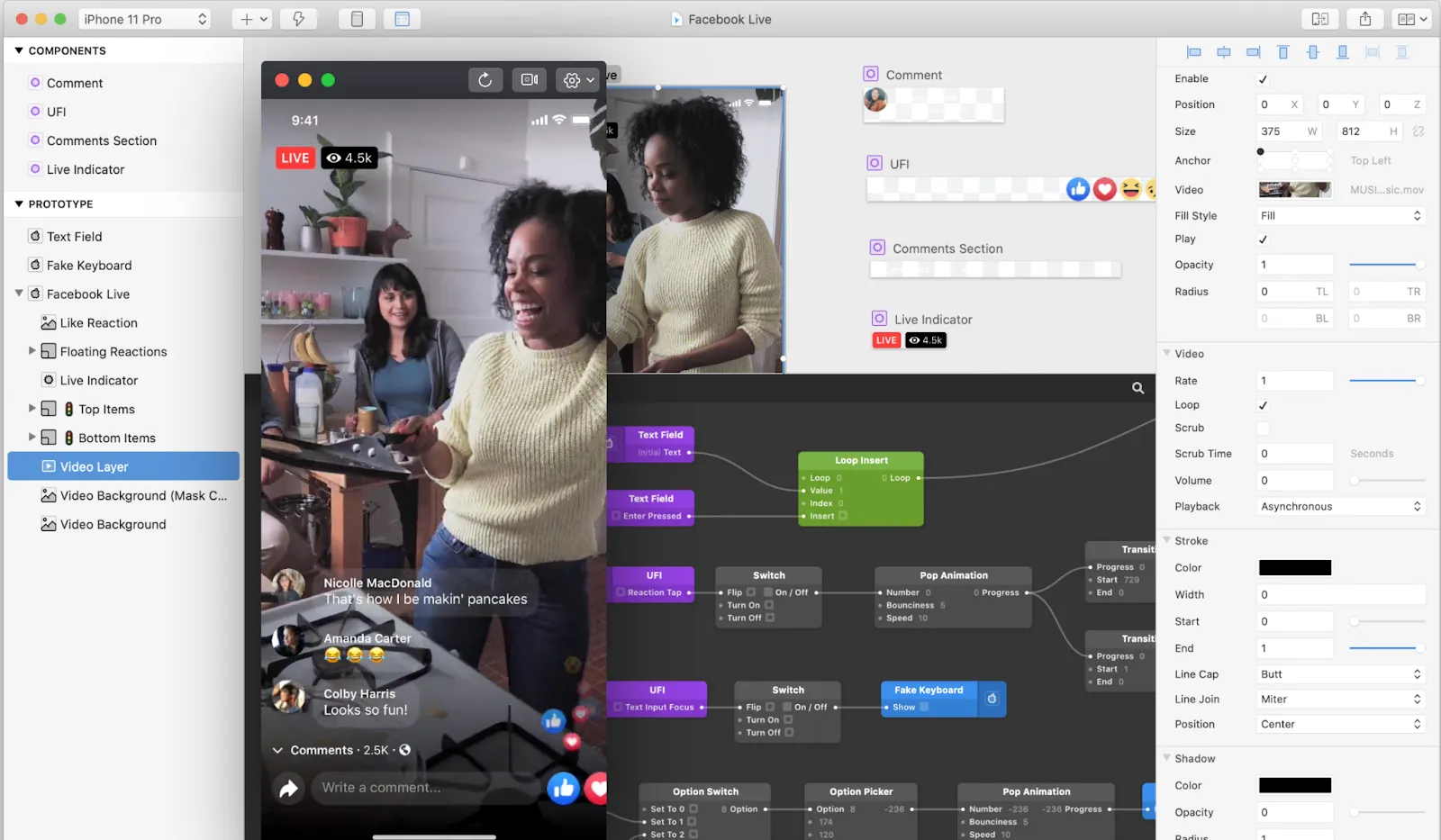
  • One of the top convenient UX Designer tools
  • User-friendly: easy to import and export creatives
  • Time-saving: Work can be shared across the team seamlessly
  • Project collaborators are able to comment and view comments together
  • It’s free! 

Learn how to use Figma in a fun and collaborative way here.

Sketch

The Must-Have Tools for UX Designers  — image 2
Credit: TechCrunch
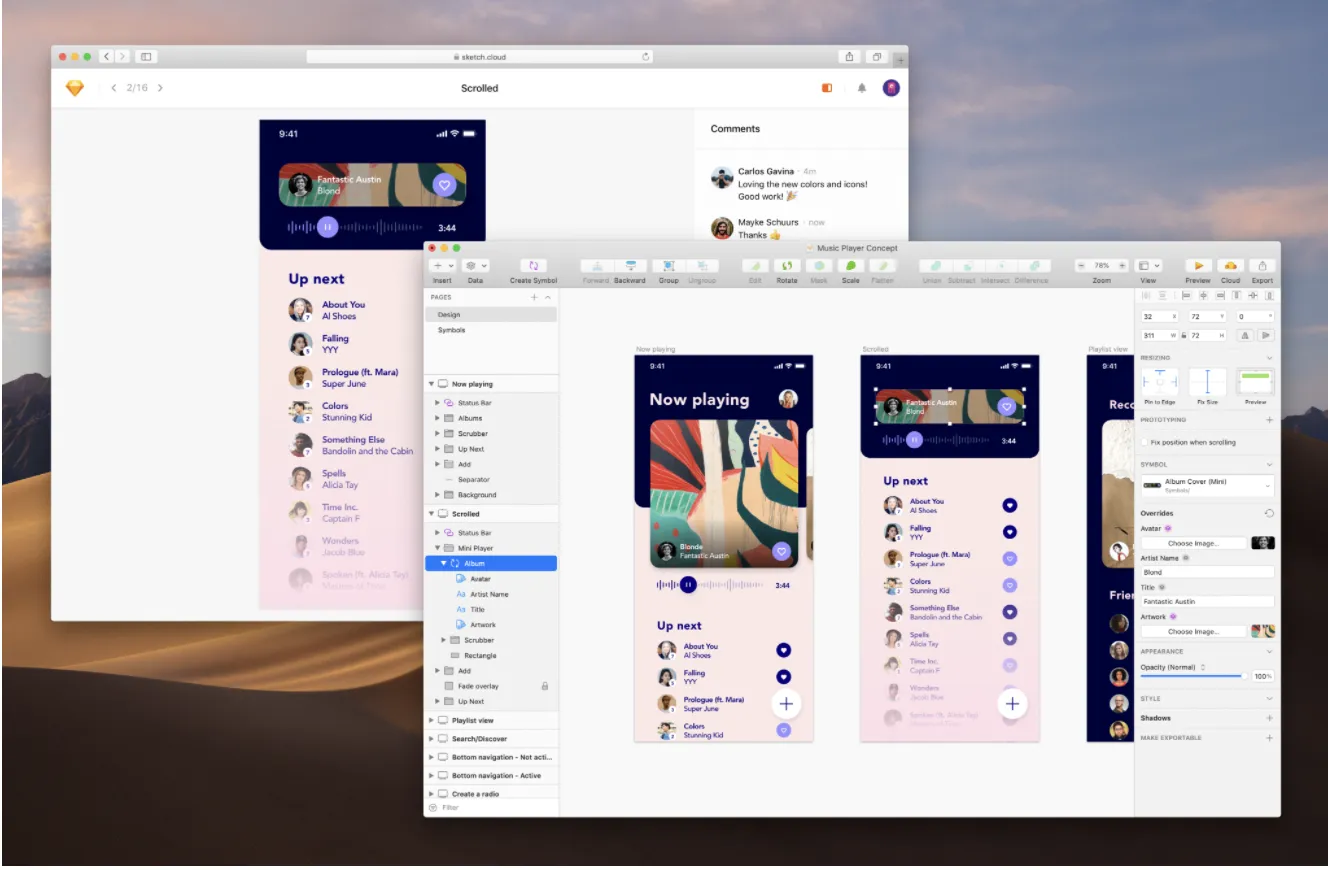
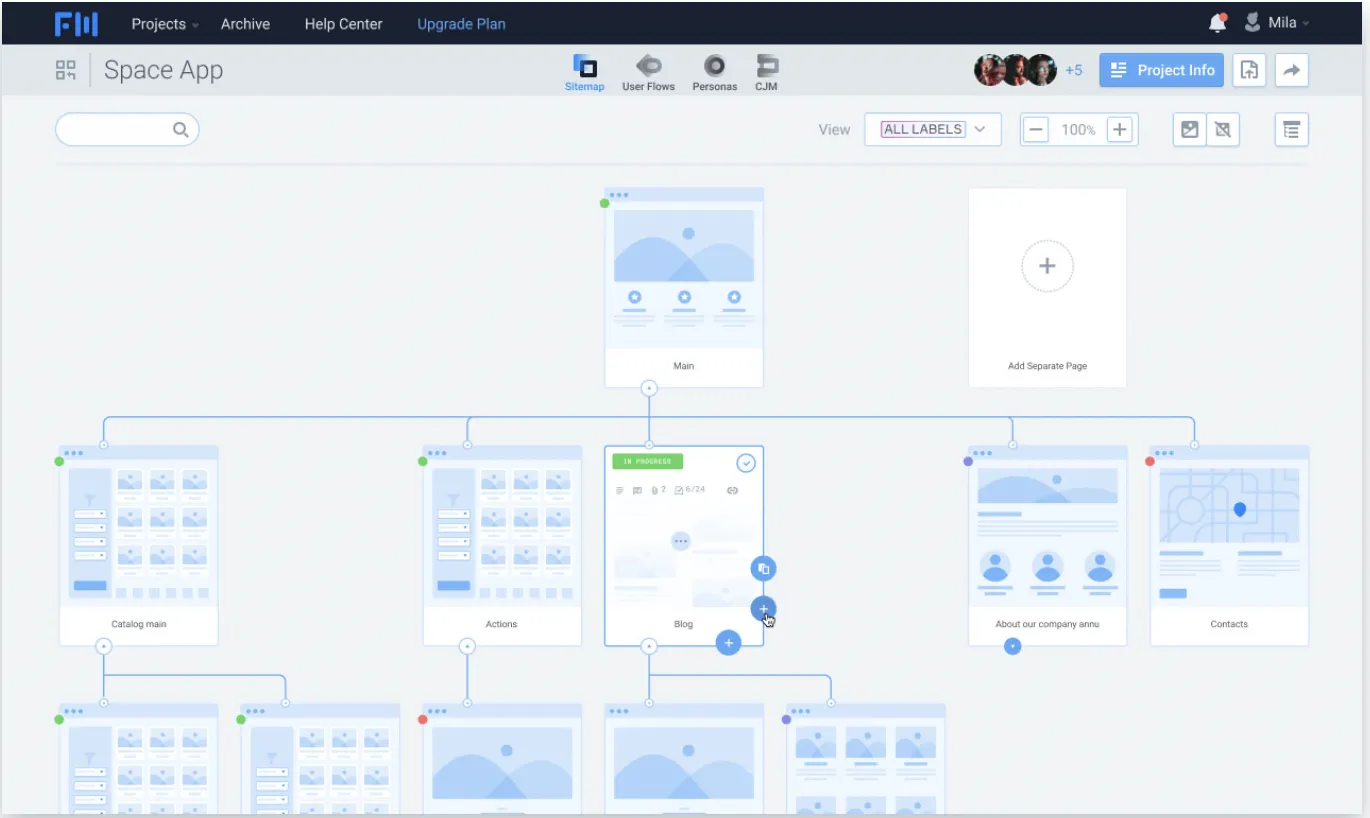
  • Good integrations with other plugins and apps
  • User-friendly: creating and editing can be done easily
  • Less complicated menu
  • Fast exporting materials
  • Easy to share projects across the team

Here are another 13 reasons why you should use Sketch. 
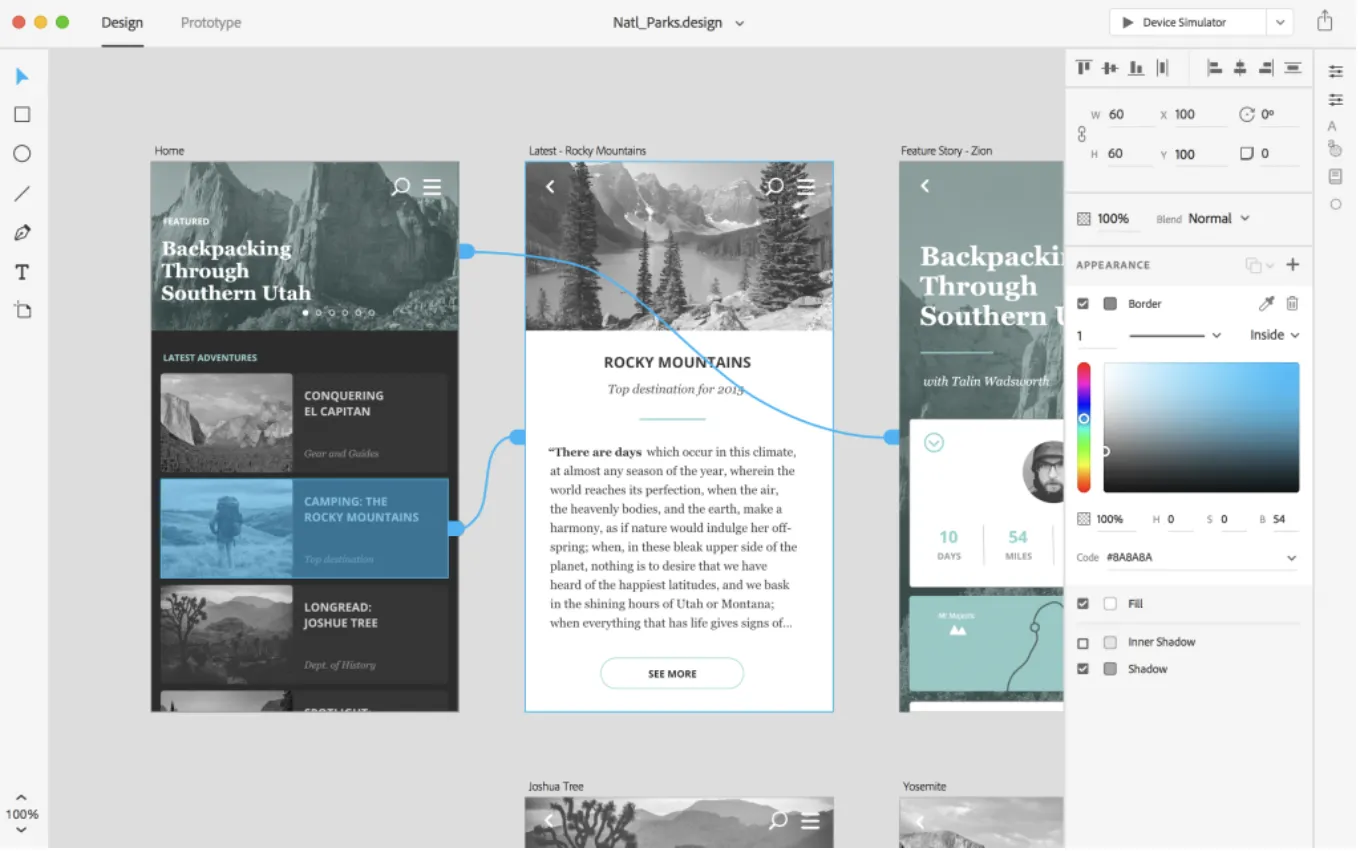
Adobe XD

The Must-Have Tools for UX Designers  — image 3
    Credit: UX Collective
  • Claims to provide 10x productivity increase
  • Simple interface which allows fast learning
  • Easy drag and drop option: filling design content
  • Quick handoff process
  • Great prototyping tool

View simple designs using Adobe XD here.
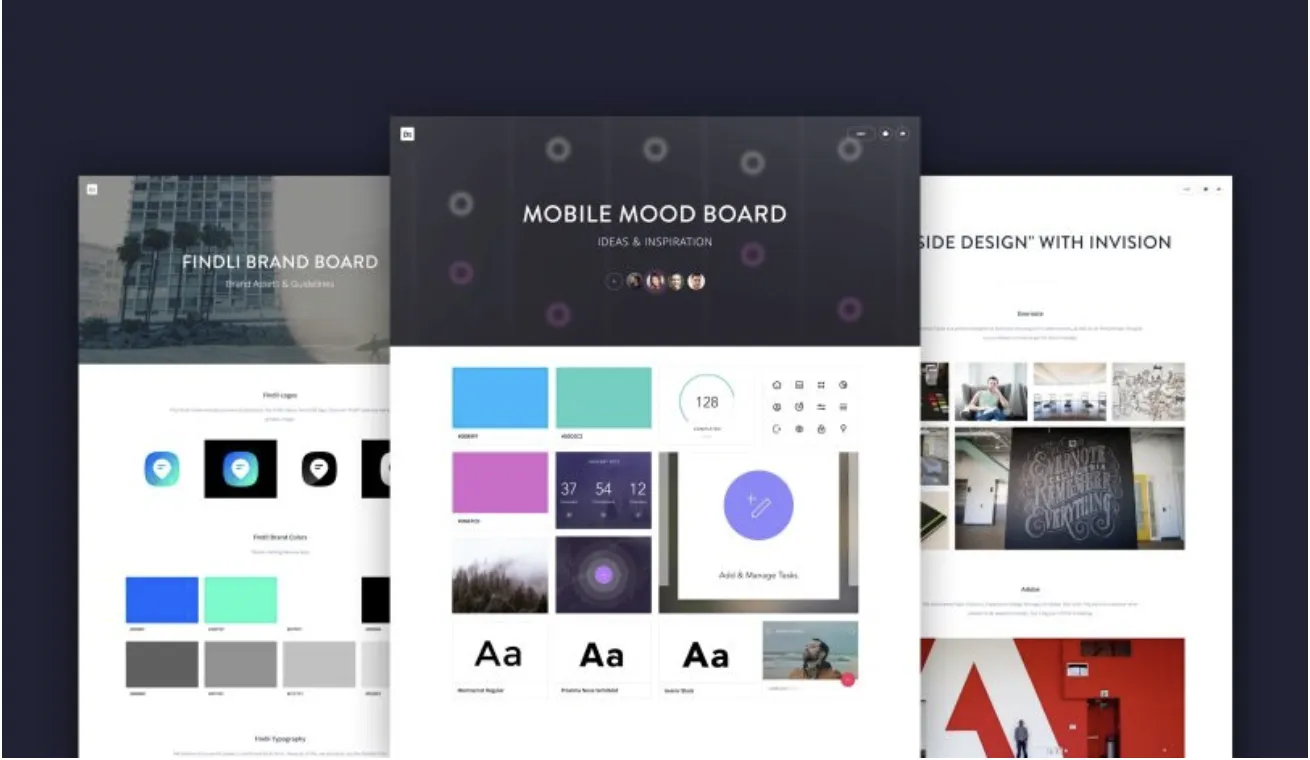
InVision Boards and Prototypes

The Must-Have Tools for UX Designers  — image 4
Credit: InVision


  • Can be used with static images, able to organize design into sections, and grouped design by the project.
  • Easy and fast to learn
  • Hot spots are based on click-throughs
  • Able to create interactive mockups
  • Mobile design-friendly

Read more on the benefits of using InVision here. 
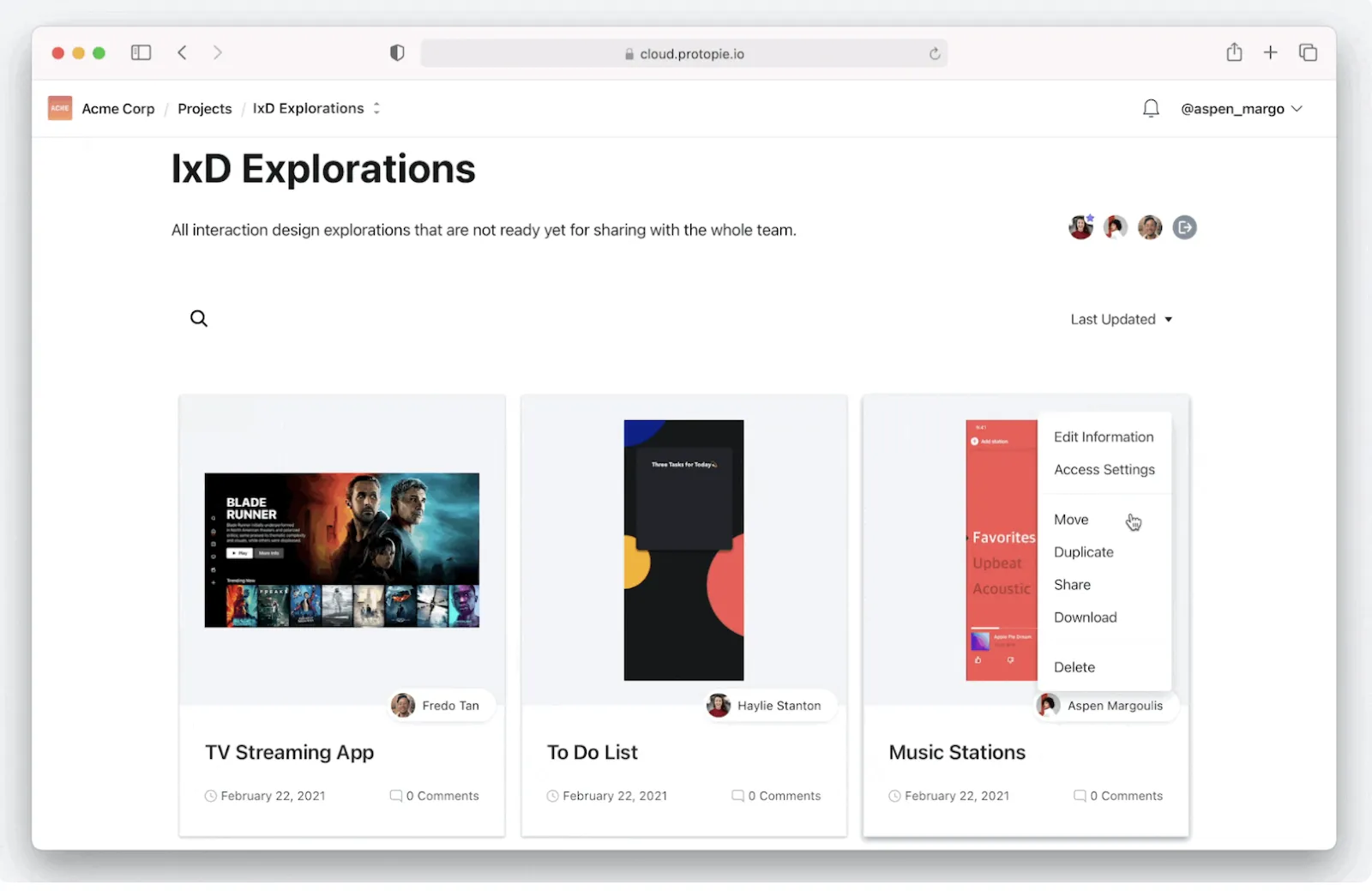
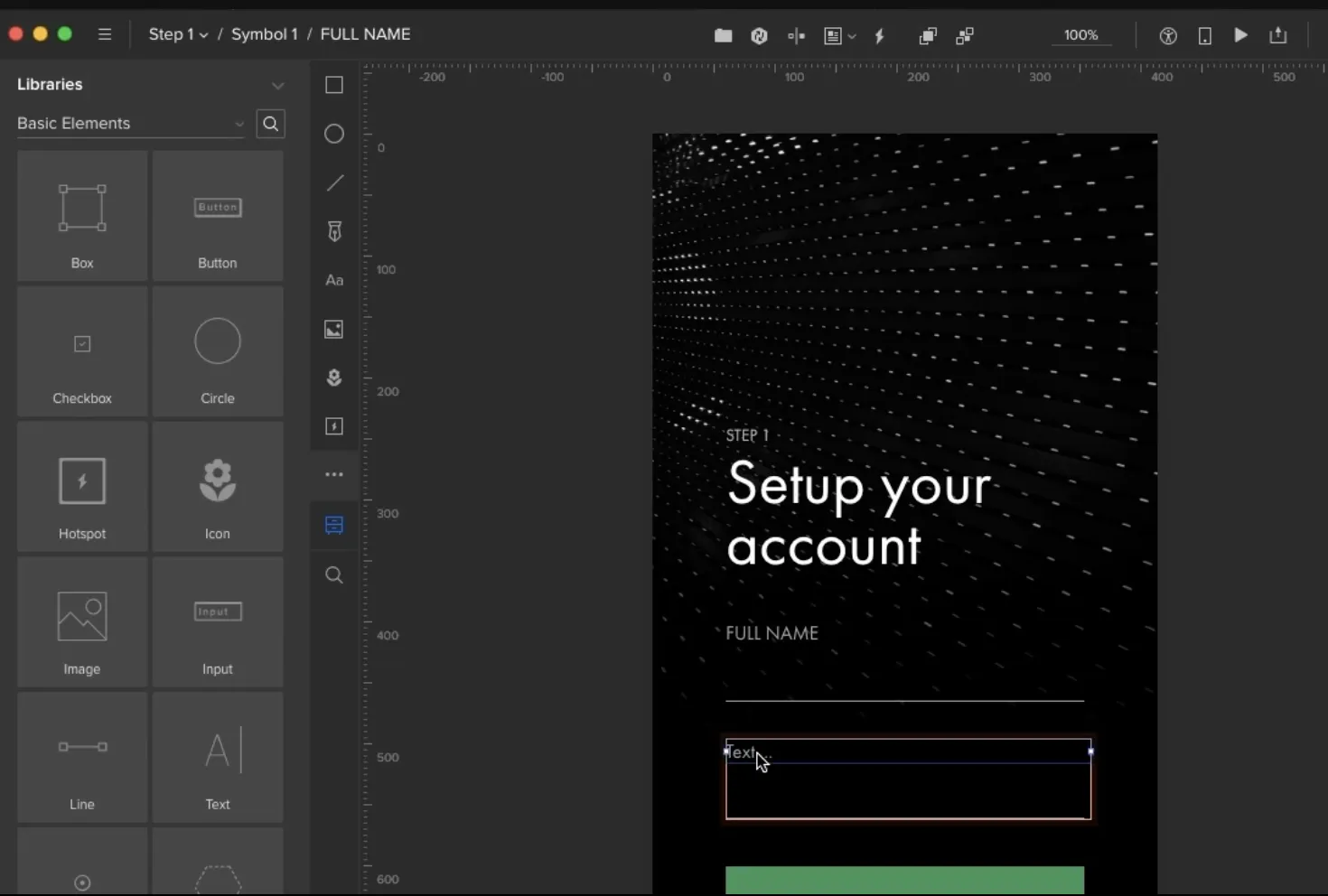
Protopie

The Must-Have Tools for UX Designers  — image 5
Credit: Protopie
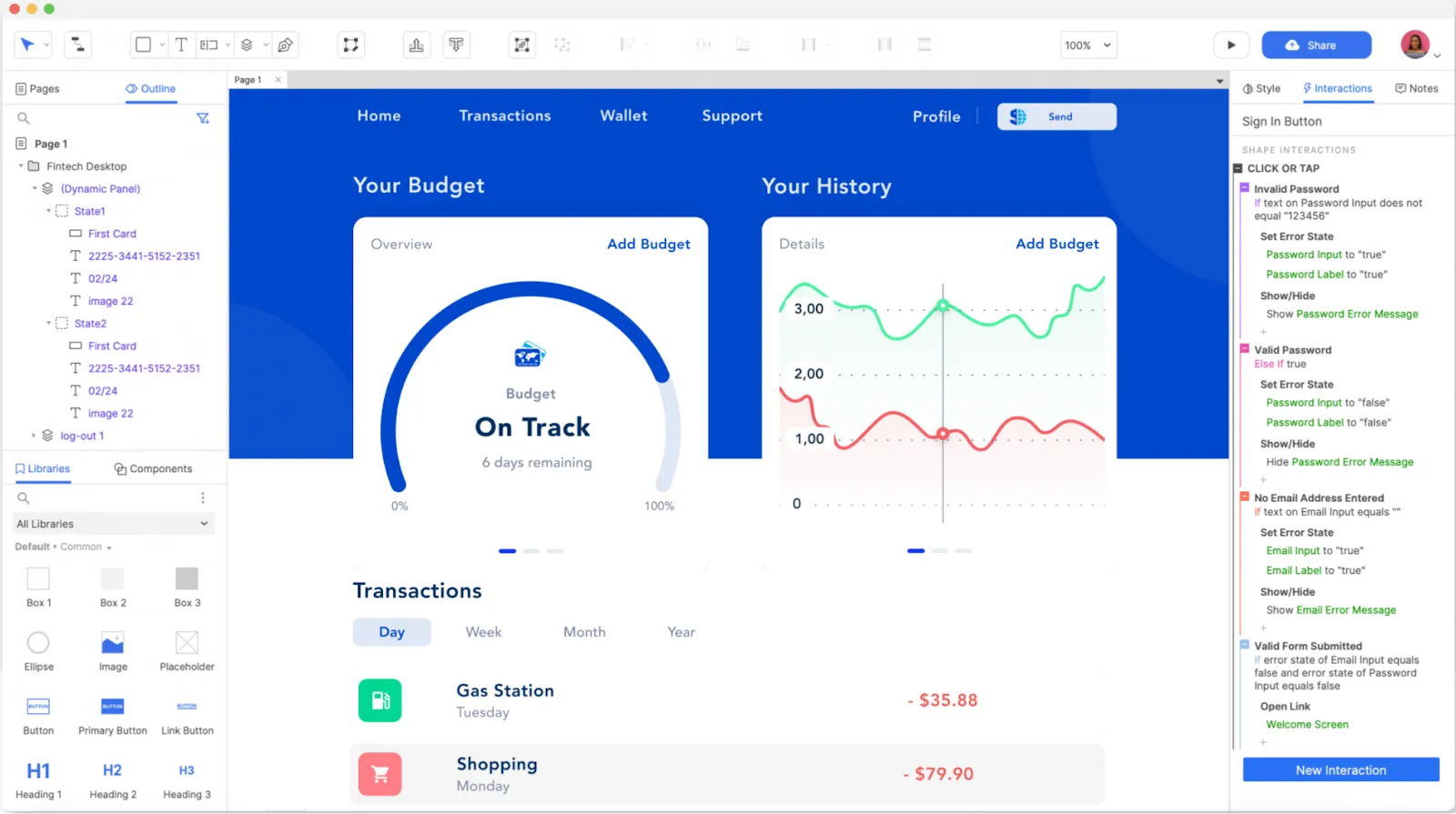
  •  A hi-fi prototyping tool
  • Supports symbol-like components
  • Provide easiest and quickest keyboard shortcuts
  • Allow prototypes recording
  • Beta Voice prototyping

You can find more tutorials on how to use Protopie here. 
Axure

The Must-Have Tools for UX Designers  — image 6
Credit: Axure.com

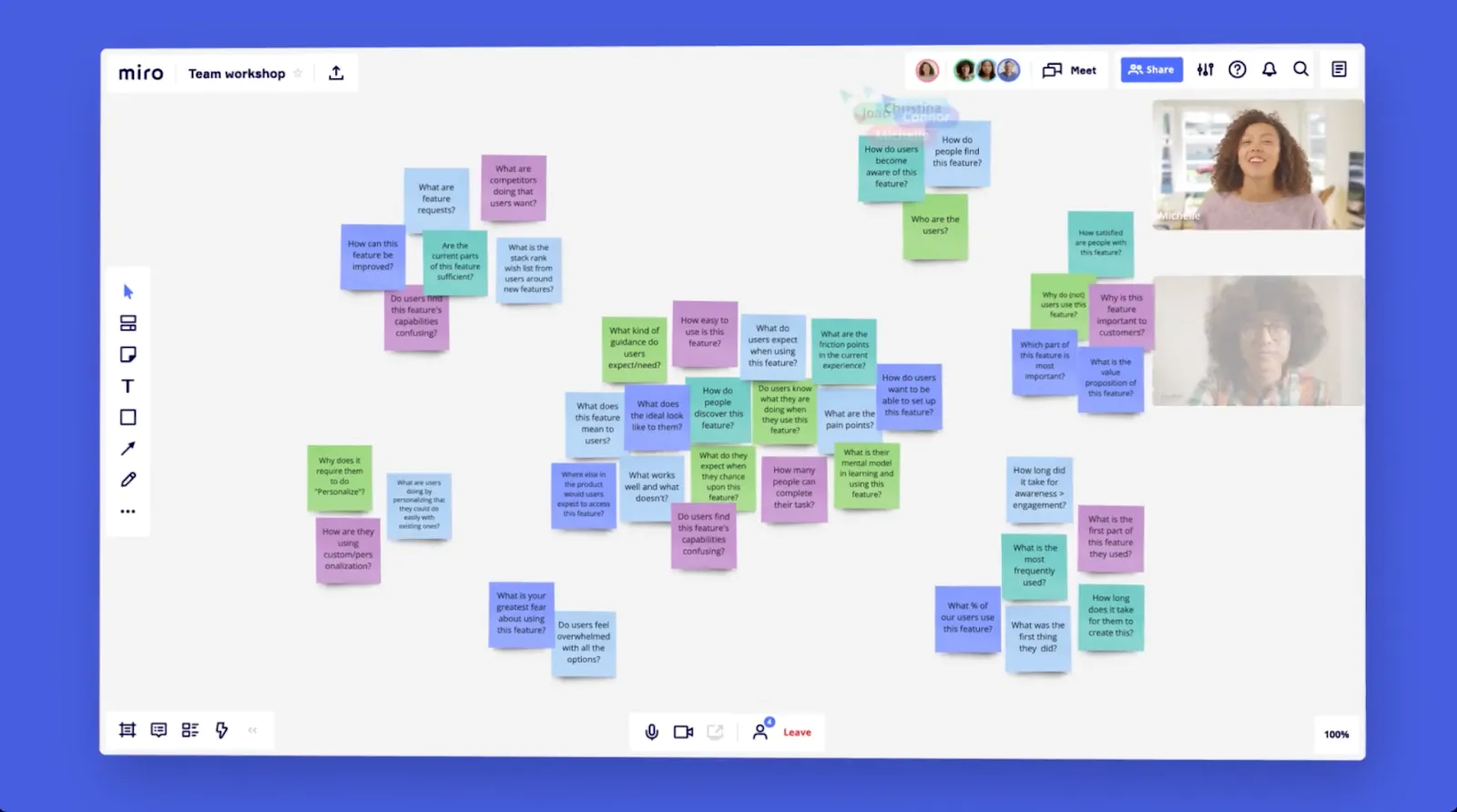
  • A steep learning curve, but so many possibilities.
  • Build realistic and functional prototypes
  • Unlimited interactive possibilities
  • Powerful widgets
  • No code required

Want more information on Axure? Click here. 
Joy Liu recommended tools:

  • Whiteboarding (actual whiteboard or Miro/Mural)
    Use to capture ideas or to collaborate
The Must-Have Tools for UX Designers  — image 7
Credit: Miro.com

  • Visualizing design concept
    Figma / sharpies, paper sketches/anything can be a sketching medium

  • Building a prototype to help your design concept come alive
    Figma, paper prototype, or even building it out of PowerPoint

  • Development handoff
    Figma / Zeplin
The Must-Have Tools for UX Designers  — image 8
  Credit: Zeplin.io

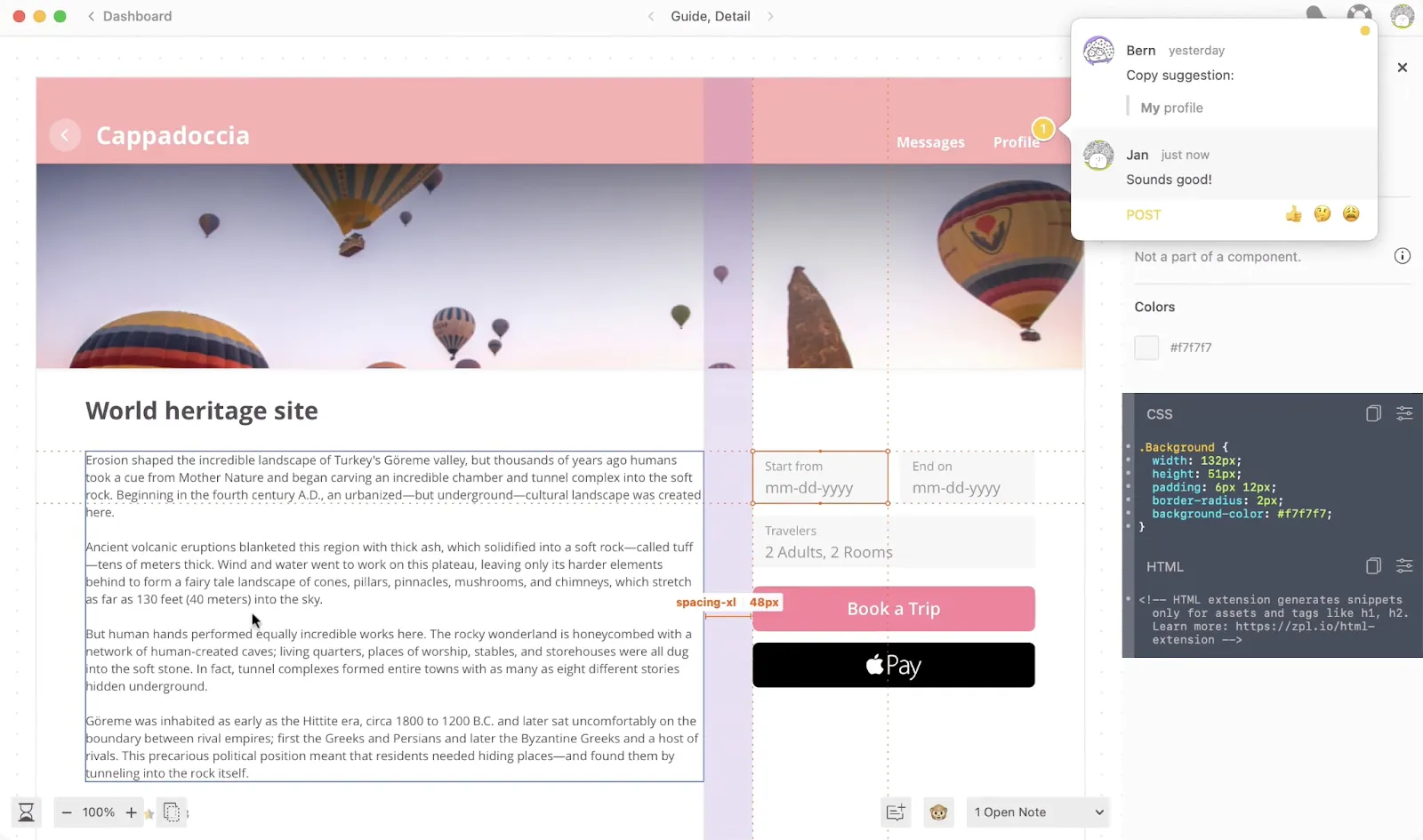
  • Design Tools Survey: https://uxtools.co/survey-2021/
The Must-Have Tools for UX Designers  — image 9

Other UX Designers must-have tools: 


Balsamiq

The Must-Have Tools for UX Designers  — image 10
 Credit: Windows Activator


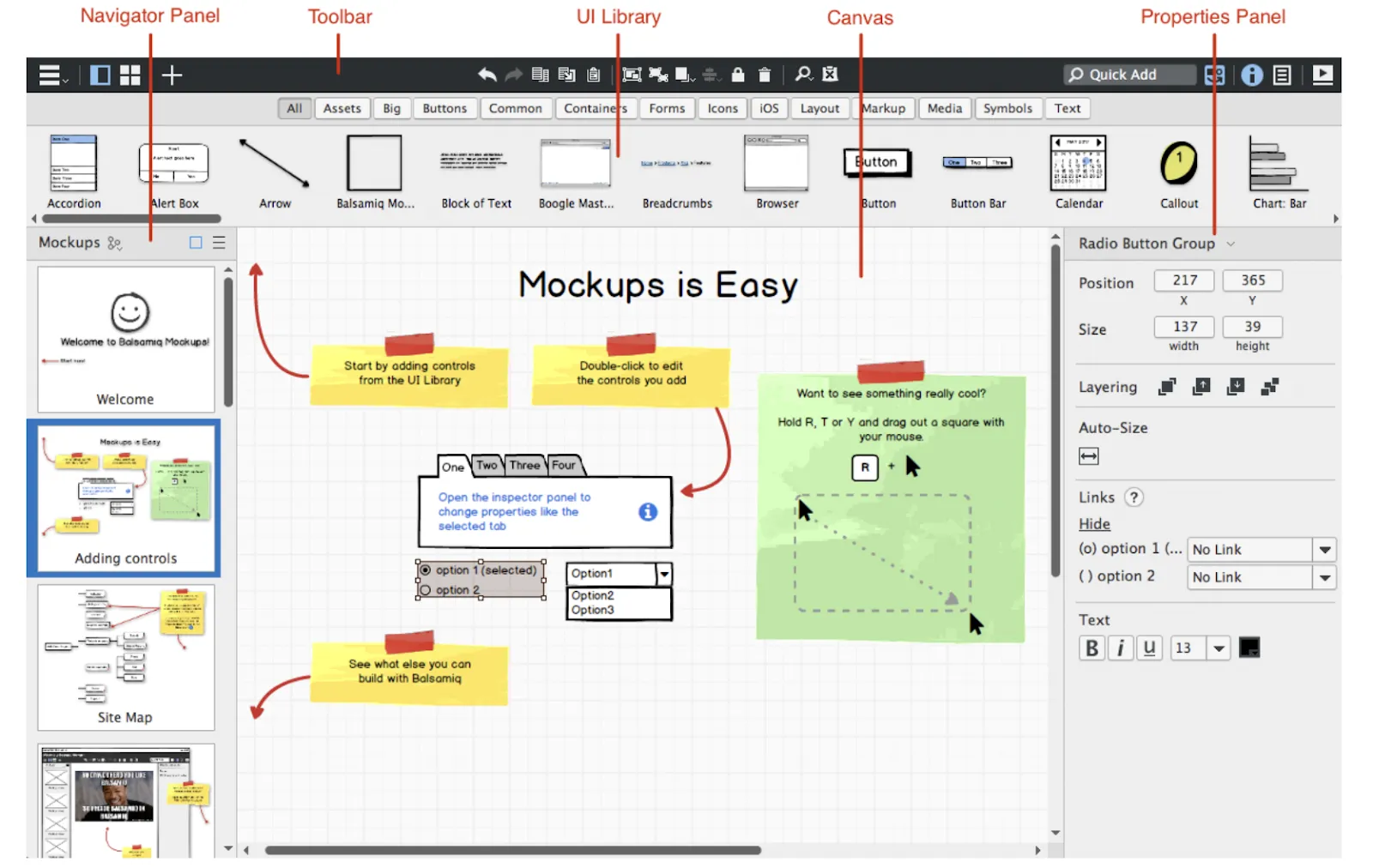
  • Focus on lo-fi wireframes
  • Experience of sketching on a computer
  • Allows you to focus more on structure and content
  • A variety of built-in options and community-generated UI controls and icons
  • Claims to be everyone first UX tool

Read the reviews on Balsamiq here.
User Interviews

The Must-Have Tools for UX Designers  — image 11
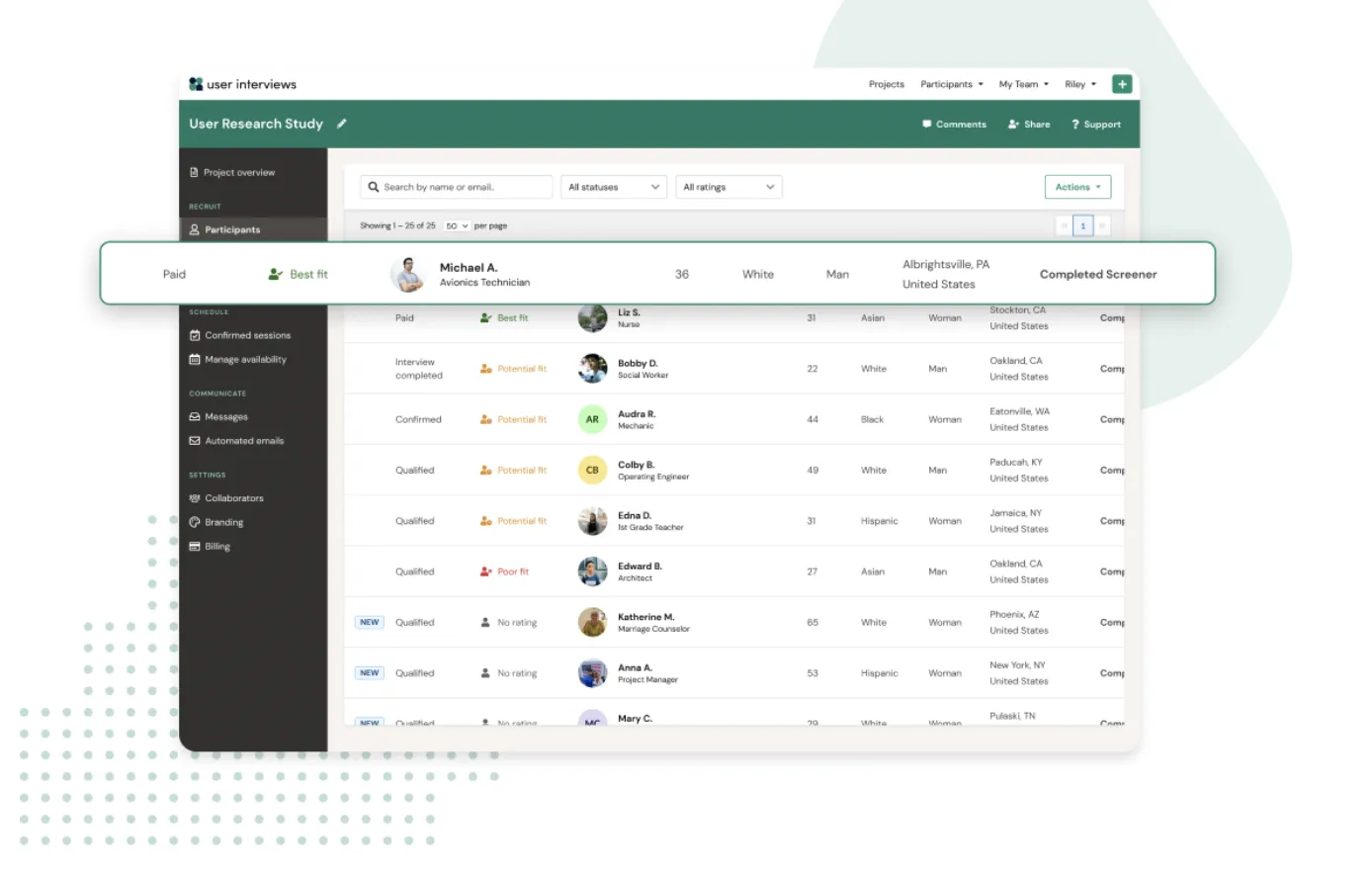
  • Connect researchers and participants
  • Recruit research participants in hours
  • Filter option to reach the best candidates for each study
  • Trusted by customer-centric companies
  • Pay only for completed sessions.

Detailed information about User Interviews is available here. 

Origami design

The Must-Have Tools for UX Designers  — image 12
  • All-in-one: Design, animate, and prototype
  • Easy to edit dynamic layouts
  • Audio metering: create visualizations from live audio or recording samples
  • Insert images from your Camera Roll
  • Offers haptic feedback

Learn how Origami design makes app design easier than ever.
Maze

The Must-Have Tools for UX Designers  — image 13
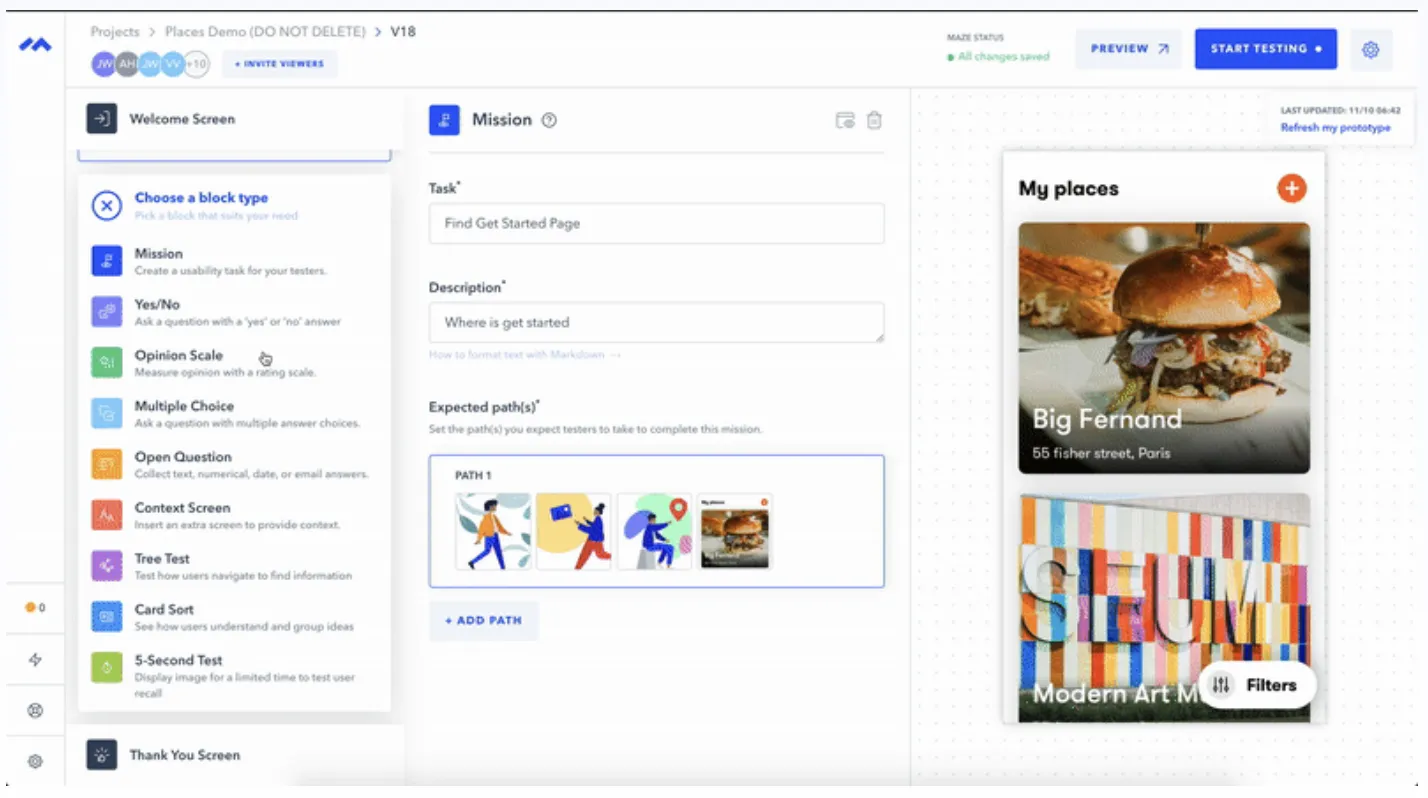
  • Get user insights in hours
  • Enable remote-testing
  • Offer reports for every test
  • Share users surveys across the globe
  • Specifically design user testing for different types of job roles.

Get to know the Maze community stories here.
UXPin

The Must-Have Tools for UX Designers  — image 14
  • One of the best wireframing tools
  • Claims to be 6 times faster than other tools
  • Using production-ready UI components
  • Update properties within states with just one click
  • UXPin Mirror: Preview your prototypes with mobile devices fast and easy

View more information on UXPin here. 

Flowmapp

The Must-Have Tools for UX Designers  — image 15
  • UX tool for web design
  • Simplifies work at different development stages
  • Plan content
  • Increase sales conversion and bring interest to business proposal
  • Allow offline work

Find out the 10 FlowMapp features that boost collaborative online work.


Tech tools are constantly changing and updating to fit the current demand. If you need assistance on which tool to use and how to use it, book a 1:1 session with our mentor!

Contributors:
Ann Criqui(ADPList Mentor)
Director of User Experience at Flatirons Solutions
ADPList Profile: https://adplist.org/mentors/ann-criqui
LinkedIn: https://www.linkedin.com/in/annvivian/

Joy Liu(ADPList Mentor)
Staff Product Designer at ServiceNow
ADPList Profile: https://adplist.org/mentors/joy-liu
LinkedIn: https://www.linkedin.com/in/enjoyinjoy/

Editor and Writer:
Farah Radzi
Content Marketer and Writer at ADPList
LinkedIn: https://www.linkedin.com/in/famr/

Ann Criqui
Ann Criqui
Director of User Experience · Flatirons Solutions
View ADPList profile →

Get advice from a design mentor — free

Book a free 1:1 session with one of 40,000+ verified mentors on ADPList.

Find a mentor

Keep reading

Generative AI and Creative Work: Explore the Powerful Link
Design

Generative AI and Creative Work: Explore the Powerful Link

What changes will a collaboration between generative AI and creative work bring to the playing field? We see what we can expect from GenAI.

Reena AggarwalReena Aggarwal·Jan 19, 2024
The Definitive Guide To A Creative Website Design [2023]
Design

The Definitive Guide To A Creative Website Design [2023]

If you're looking to build a website that grabs attention and leaves a lasting impression, read on. We'll show you how to.

Burkhard BergerBurkhard Berger·Aug 3, 2023
10 Best UI/UX Courses for Aspiring Designers
Design

10 Best UI/UX Courses for Aspiring Designers

We weigh pros and cons of every design course!

Roxanne RosewoodRoxanne Rosewood·Jul 10, 2023

On a mission to democratize mentorship for all.
Designed and made with 🖤 by ADPList Team

© Copyright 2026 - ADPList

Company

About usContactPartnershipBlog

Product

Find a mentorBecome a mentorAI Interview CoachAI Design Masterclass

Support

FAQsHelp centerTerms of servicePrivacy policySite map

Follow us

LinkedInXInstagramYoutube

Resources

AI Design GuideDesign Moonshot BookFree resumé AI tool

© Copyright 2026 - ADPList