
Design Ann Criqui
The Must-Have Tools for UX Designers
Get to know the latest UX Designers Must-Have Tools here with mentors, Ann Criqui and Joy Liu!
Ann CriquiPlay 10 UX games in your browser that train kerning, color, alignment and the pen tool. Each re-checked in October 2026, with the skill it builds.


A UX game is a short browser challenge that trains one UI/UX craft skill, such as kerning, color, alignment, or the pen tool. UX games (also called UI/UX games or web design games) are the plural: quick online drills you play in a browser, with no download needed. The 10 below were re-checked as live and playable in October 2026.
These drills are a gym for the visual skills you use when polishing interfaces. They are not a substitute for real projects or research. Play them between projects when you want a short, low-pressure rep, or pair them with structured learning like the programs in our roundup of the 10 best UI/UX courses for aspiring designers. Each game below names the skill it trains and how that skill shows up in day-to-day UI work.
| Game | Skill | Best for |
|---|---|---|
| Color | Color perception and color theory | Palette and harmony warm-ups |
| Kern Type | Kerning and typographic spacing | Letter-spacing judgment |
| The Boolean Game | Icon construction with boolean operations | Seeing icons as simple shapes |
| Can't Unsee | Alignment, spacing, contrast, component styling | Design-review eye |
| The Bézier Game | Pen tool and vector curves | Efficient path control |
| Designercize | Design thinking under time pressure | Whiteboard interview practice |
| Shape Type | Letterform anatomy and curve control | Logos and custom type |
| What the Hex | Reading hex codes as colors | Tokens and style sheets |
| It's Centred That | Optical alignment and centring | Layout centering calls |
| The Triangle | Paragraph-level web typography | Content-heavy screens |
Use the table to pick one UX game that matches the skill you want to train today, then open that game below for how to play. If you searched for UI UX games or web design games, start with Can't Unsee or Kern Type: both give fast feedback and map cleanly to real interface work. Come back later for Color, The Bézier Game, or The Triangle when you want a different drill.
Get your game on 🎮 Every game below still loaded in a browser when we re-checked the list in October 2026. Links and play steps are under each heading.
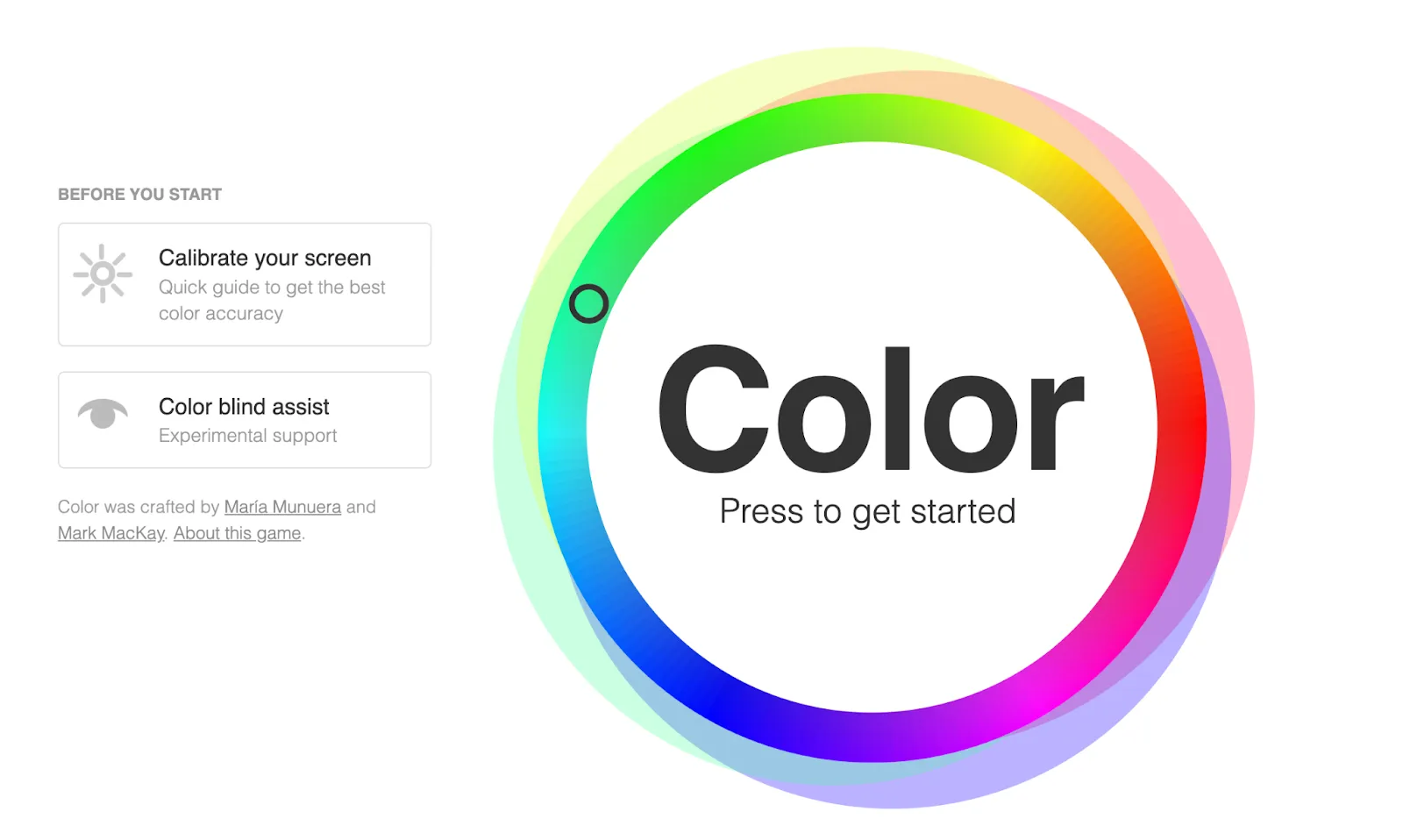
Skill tested: color perception and color theory.
Color runs you through the vocabulary of color harmony: the same relationships you lean on when building palettes for interfaces. It’s a fast way to find out whether you actually see the difference between an analogous and a triadic scheme, or just know the definitions.
How to play:
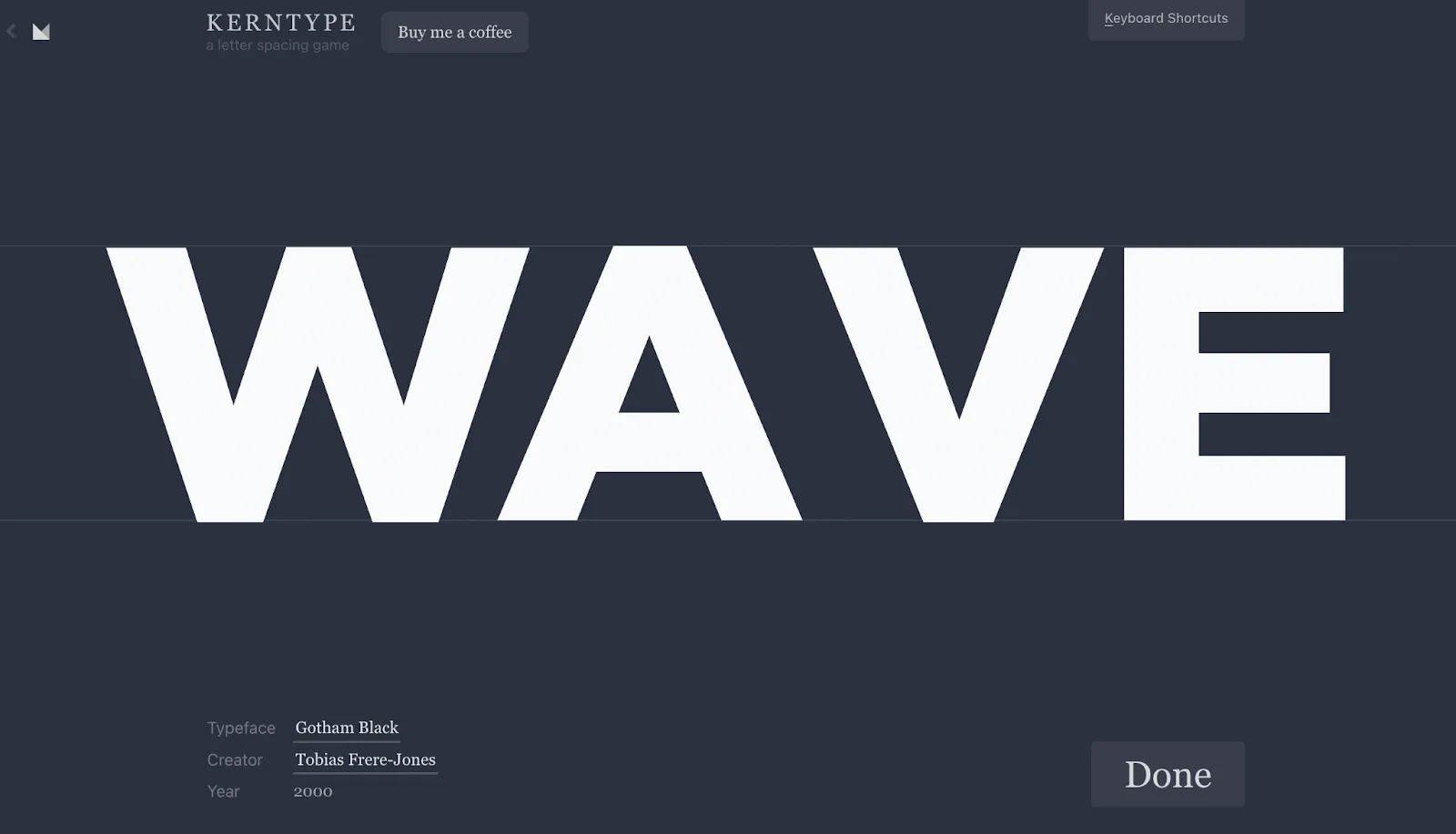
Skill tested: kerning and typographic spacing.
Kerning is one of those details users never name but always feel. Kern Type compares your letter spacing to a typographer’s solution, so you get objective feedback on a skill that’s usually pure eyeballing.
How to play:
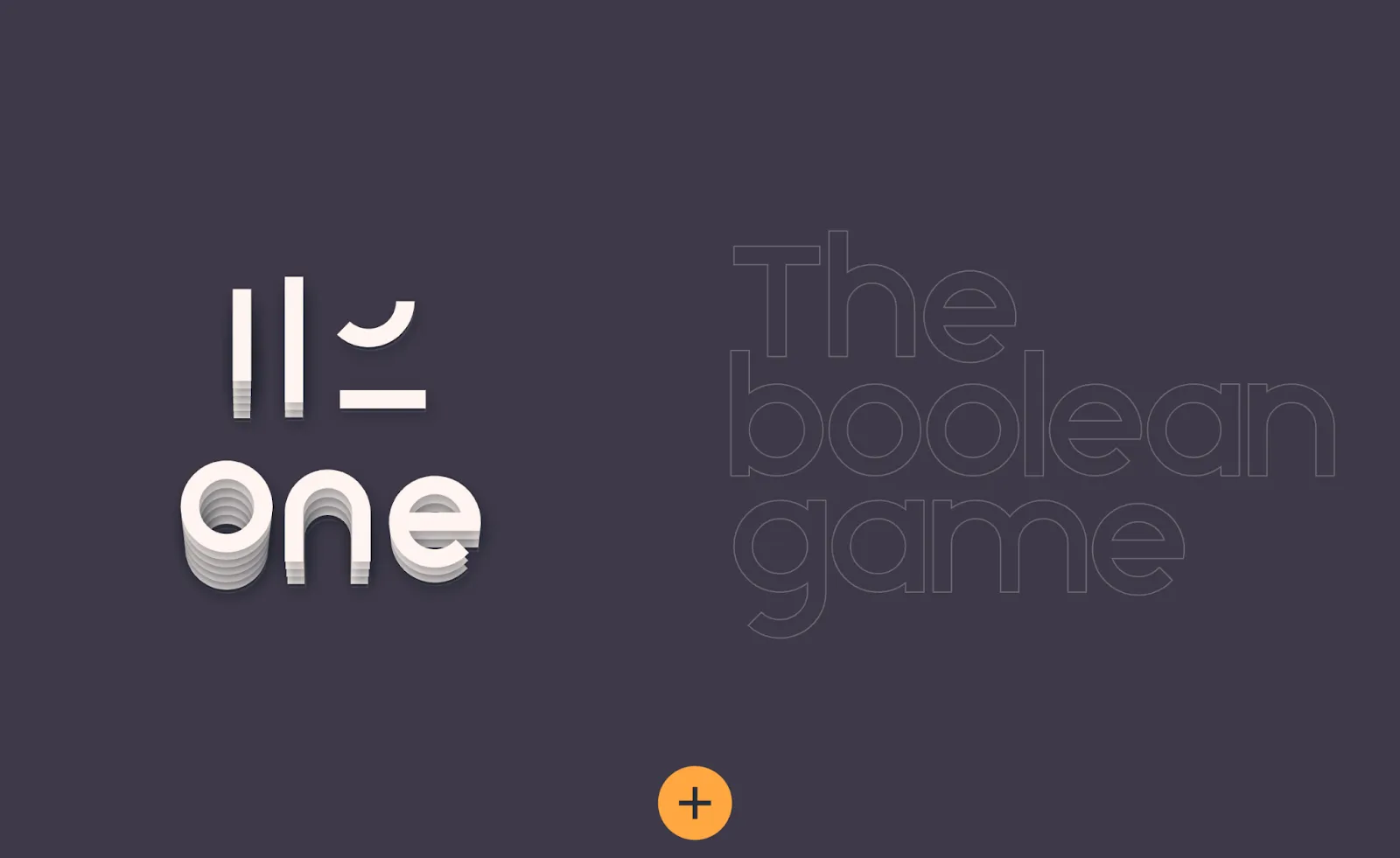
Skill tested: icon construction with boolean operations.
Unite, subtract, intersect, and exclude are the four moves behind almost every icon you’ve ever traced in Figma or Illustrator. This game drills the mental model of seeing complex icons as combinations of simple shapes.
How to play:
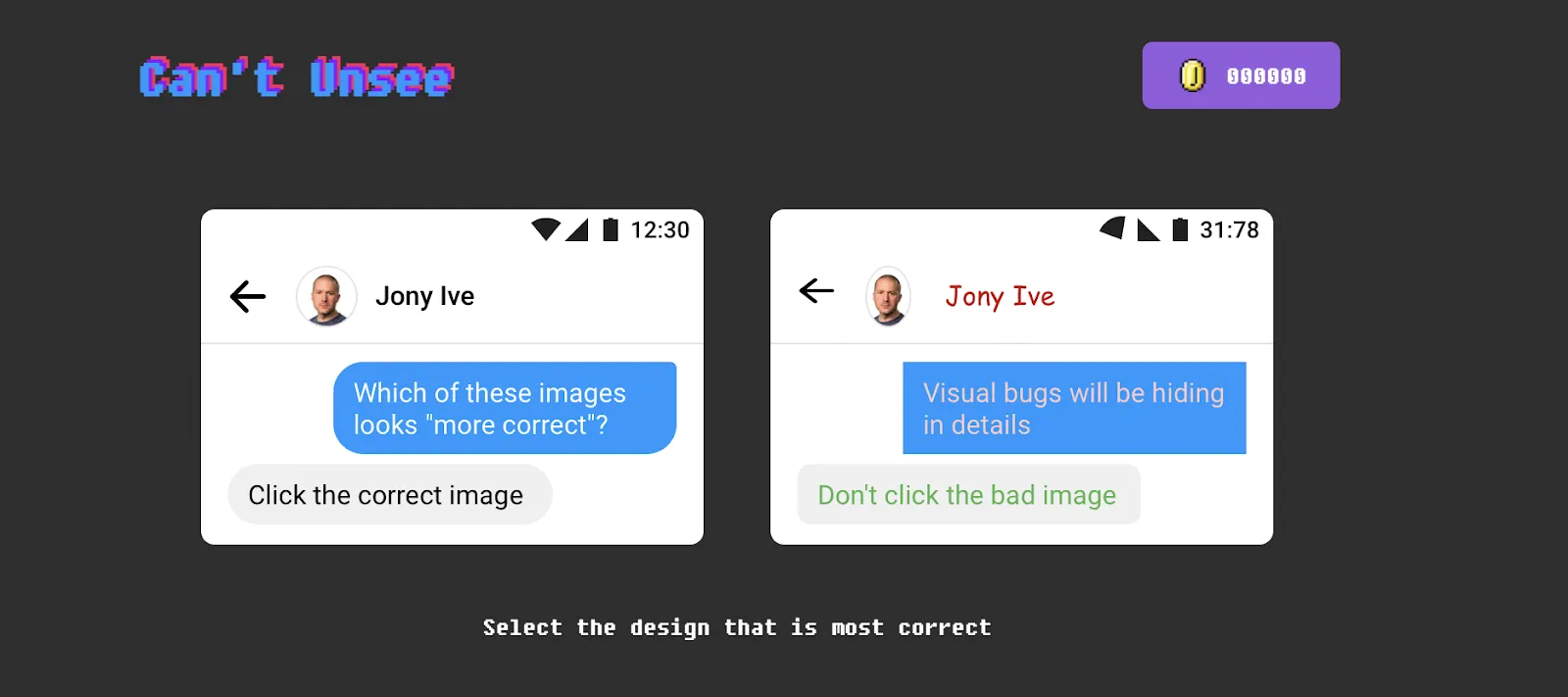
Skill tested: attention to UI detail: alignment, spacing, contrast, and component styling.
Two versions of the same interface, one of them subtly wrong. Can’t Unsee is the closest thing to a design-review simulator, and it’s a favorite on nearly every list of designer games for a reason: it trains the exact eye you need when polishing real product screens.
How to play:
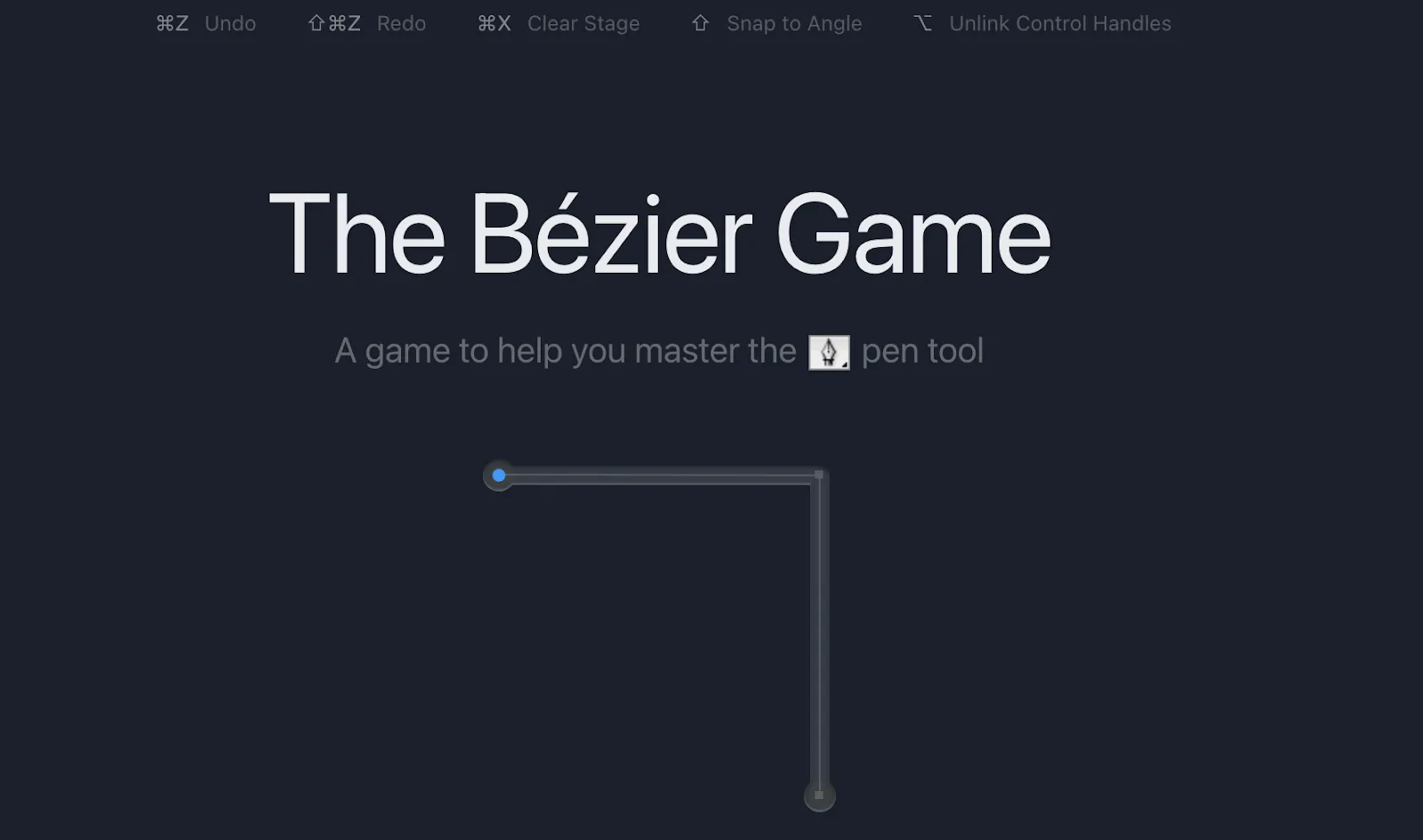
Skill tested: pen tool mastery and vector curves.
The pen tool is the rite of passage of vector design. This game forces you to trace shapes with a limited number of nodes, which teaches the economy that separates clean paths from lumpy ones.
How to play:
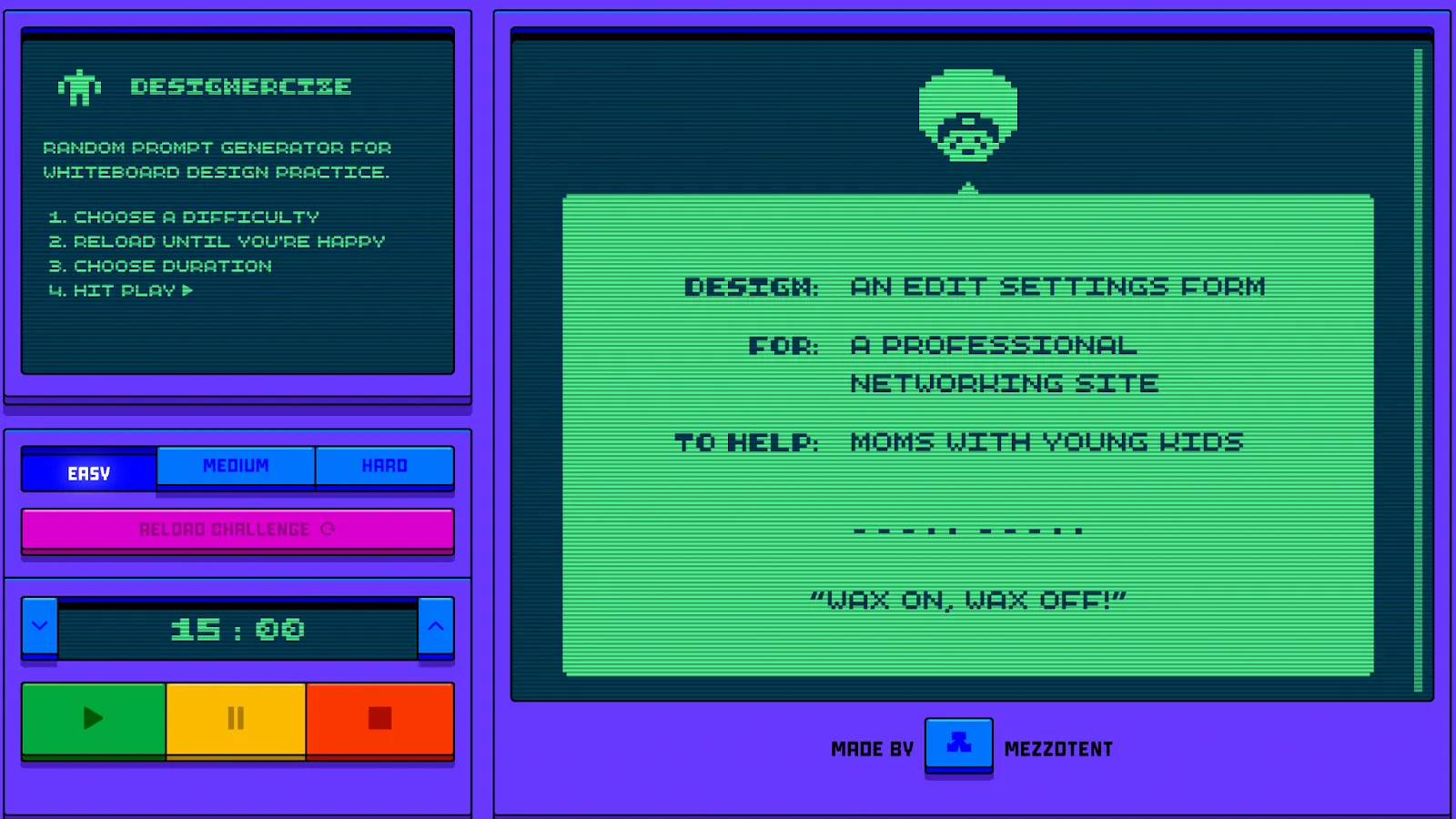
Skill tested: design thinking under time pressure: the whiteboard challenge.
Designercize is a digital version of the interview whiteboard challenge: it generates a random brief and a timer, and you design. If you’re preparing for interviews, pair it with mock feedback from a UX designer who has sat on the other side of the table. Our guide to choosing a UX, product, or UI mentor helps you find the right fit for interview prep.
How to play:
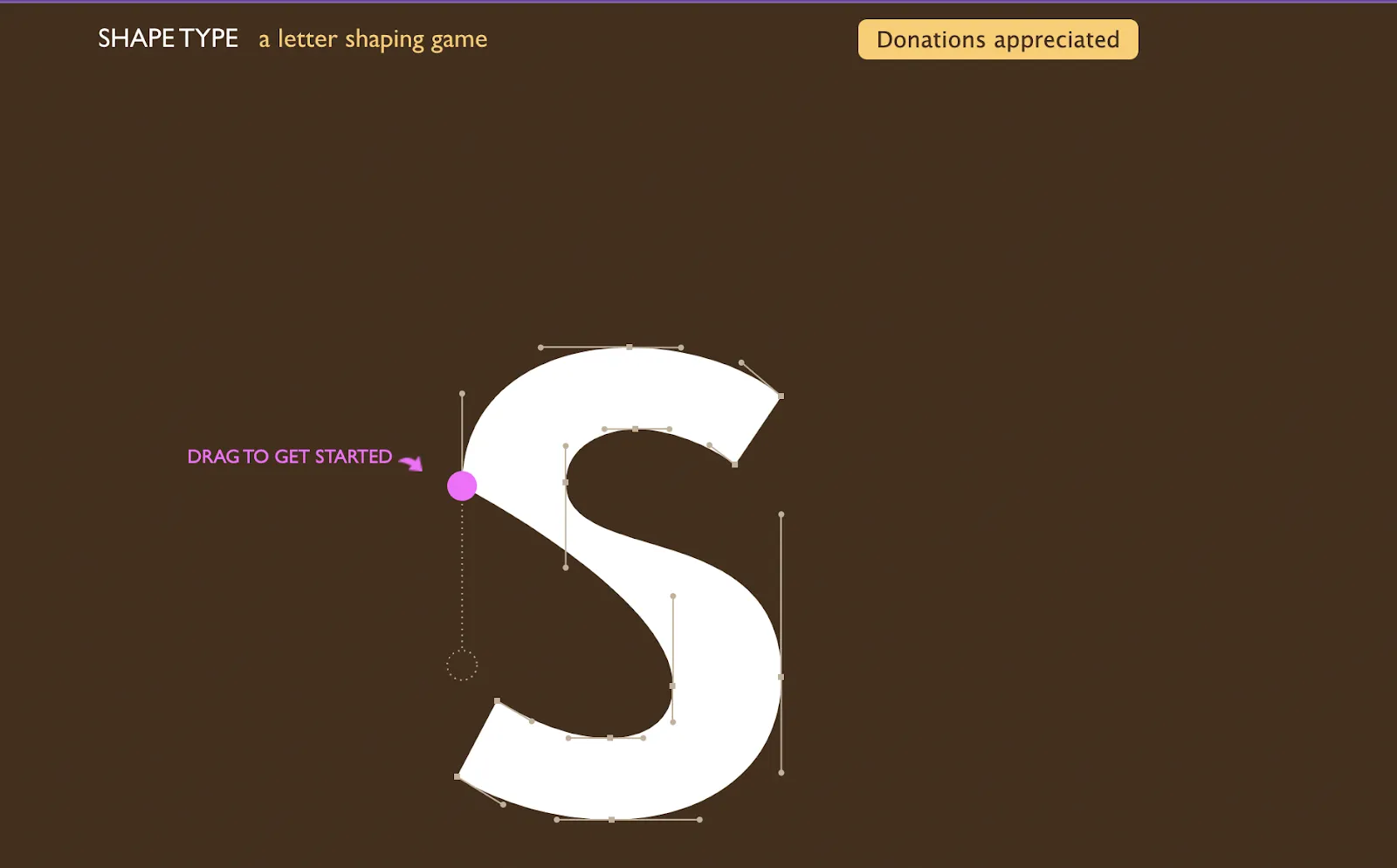
Skill tested: letterform anatomy and curve control.
Shape Type hands you a broken letter and asks you to restore its curves. It builds the same instincts as The Bézier Game but through type, so you learn what makes a letterform look right: useful for logos, wordmarks, and custom type.
How to play:
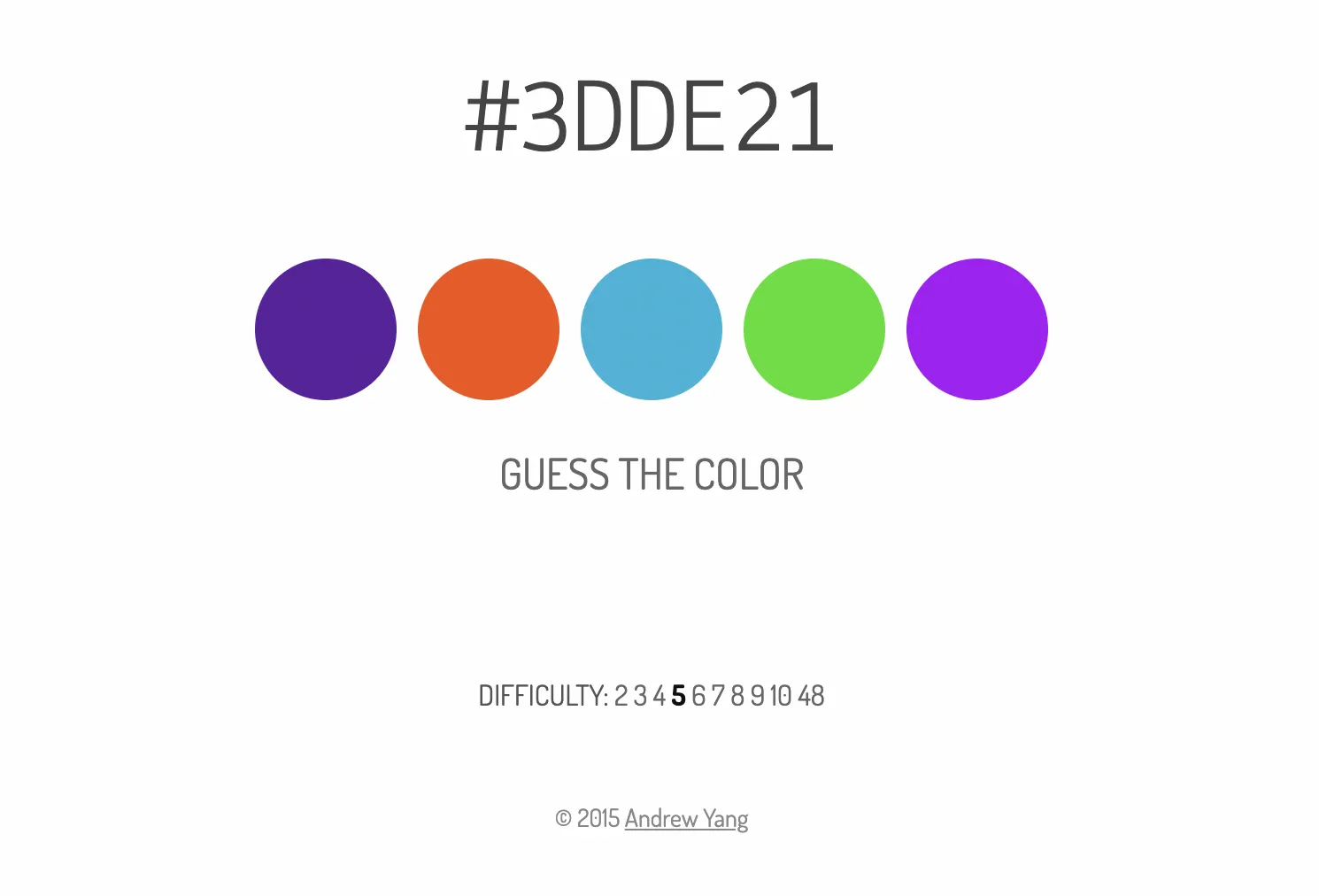
Skill tested: reading hex codes as colors.
Being able to glance at #3B82F6 and think “that’s a mid blue” is a small superpower when you live in design tokens and style sheets. What the Hex trains exactly that translation.
How to play:
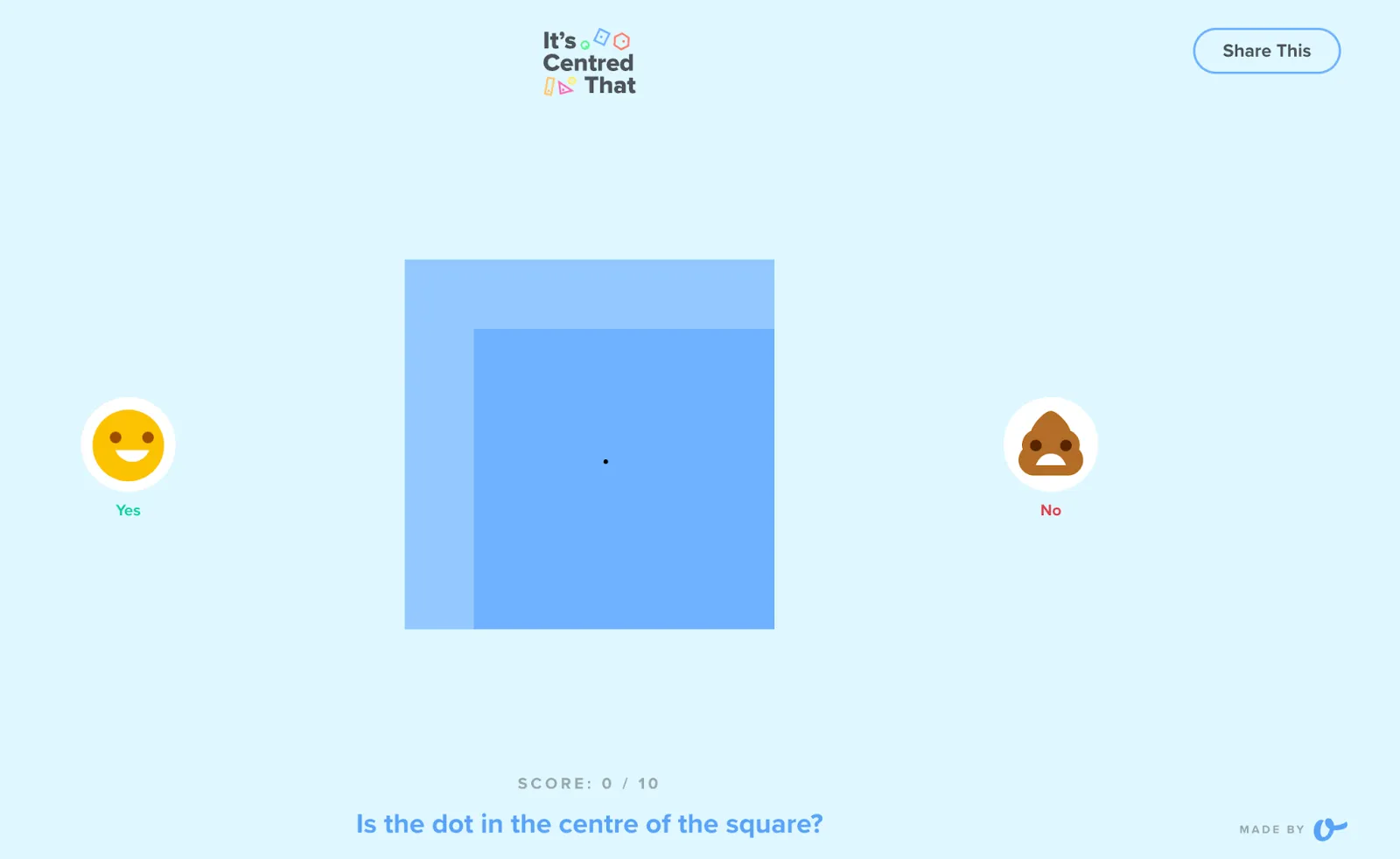
Skill tested: the designer’s eye for alignment and centring.
Built by UK agency Supremo, this one asks a single question over and over: is it centred? It sounds trivial until you miss three in a row, and it maps directly to the optical-alignment judgment calls you make in every layout.
How to play:
Skill tested: paragraph-level web typography.
Based on Matej Latin’s “Equilateral Triangle of a Perfect Paragraph” theory, this game makes you balance three variables (font size, line height, and line length) until body text actually reads well. It’s the most directly applicable game on this list for anyone designing content-heavy screens.
How to play:
Set aside a little time each week for self-learning. Five to ten minutes on one UX game, such as Kern Type or Can’t Unsee, is enough to keep your design eye sharp between projects. Rotate skills across the week (type one day, color the next, alignment after that) so the practice stays specific.
If you’re mapping out where those skills lead, our UX design career path guide shows the road ahead. Want someone to look at how these skills show up in your real work? Browse UX design mentors on ADPList.
If you searched for a UX game because you want to design the UX of video games (menus, HUDs, onboarding flows, accessibility, controller feedback), that is a different job from the craft drills above. Those drills train visual judgment for product and web interfaces: spacing, type, color, and whether a layout looks right. Game UX sits closer to interaction design for play: how players learn controls, stay oriented, and recover from failure. This list will not teach that craft. For the broader UX path into product work, start with our UX design career path guide.
A UX game is a short browser challenge that trains one UI/UX craft skill, such as kerning, color, alignment, or the pen tool. UX games (also called UI/UX games) are the plural form: quick online drills you play in a browser, with no download needed. They are a gym for visual skills, not a substitute for real projects or research.
Browser UX games are one of the fastest ways: Kern Type for typography spacing, Color for color theory, Can't Unsee for spotting UI mistakes, and The Bézier Game for pen-tool control. Five to ten minutes a day builds real precision on the craft skills you use when polishing interfaces.
Yes, for the skills they target. Games like Can't Unsee and It's Centred That train visual judgment (alignment, spacing, contrast) with instant feedback, which is exactly how deliberate practice works. Kern Type and The Triangle do the same for typography.
What games can't teach is the research, strategy, and collaboration side of UX. Treat them as a gym for your design eye, not a replacement for real projects, courses, or mentorship.
Kern Type (type.method.ac) is the standard for letter spacing: you kern words by hand and get scored against a typographer's solution. For paragraph-level typography, The Triangle at Better Web Type teaches you to balance font size, line height, and line length. Shape Type rounds it out by training letterform anatomy.
Designercize is built for it: it generates random whiteboard-challenge prompts with a difficulty setting and timer, mimicking the live design exercise many companies use. Can't Unsee is also useful for sharpening the critique vocabulary you'll need when walking through your portfolio. For realistic practice, do a mock whiteboard session with a UX designer who has run real interviews.
Yes, all 10 games in this list (Color, Kern Type, The Boolean Game, Can't Unsee, The Bézier Game, Designercize, Shape Type, What the Hex, It's Centred That, and The Triangle) were individually re-checked as live and playable in October 2026. Indie design games do disappear over time, so we re-check the links whenever this post is updated.
Yes. All 10 UI/UX games in this list run in a browser with no download required, and none of them asks you to create a paid account to play a round. Each one was re-checked as live and playable in October 2026, and we re-check the links whenever this post is updated.
Start with Can't Unsee for a design-eye check (pick the more correct UI of two), Kern Type for typography spacing, or Color for a fast color-theory warm-up. All three play in a browser and take only a few minutes.
Browse UX design mentors on ADPList.
Get to know the latest UX Designers Must-Have Tools here with mentors, Ann Criqui and Joy Liu!
Ann CriquiWhat changes will a collaboration between generative AI and creative work bring to the playing field? We see what we can expect from GenAI.
 Reena Aggarwal
If you're looking to build a website that grabs attention and leaves a lasting impression, read on. We'll show you how to.
 Burkhard Berger
![The Definitive Guide To A Creative Website Design [2023]](https://adplist-bucket.s3.amazonaws.com/media/blog/the-definitive-guide-to-a-creative-website-design-2023-cover.webp)