
Design Ann Criqui
The Must-Have Tools for UX Designers
Get to know the latest UX Designers Must-Have Tools here with mentors, Ann Criqui and Joy Liu!
Ann CriquiGet to know the 10 web design ideas for beginners!
There are tons of web designs out there. Some are designed with bright colors, some are designed in a minimalist organization, some are designed with dark colors to maintain a sense of formality or display the brand identity, and more.
Why Web Design is Important?
Websites are the first touch point for people to get in touch and know more about your product. It holds the first impression of your company and the product or service you are selling or providing.
You definitely want to look good on your first impression, right? In this blog, we list down the 10 web design ideas for beginners.
Let’s get the creative juices flowing!
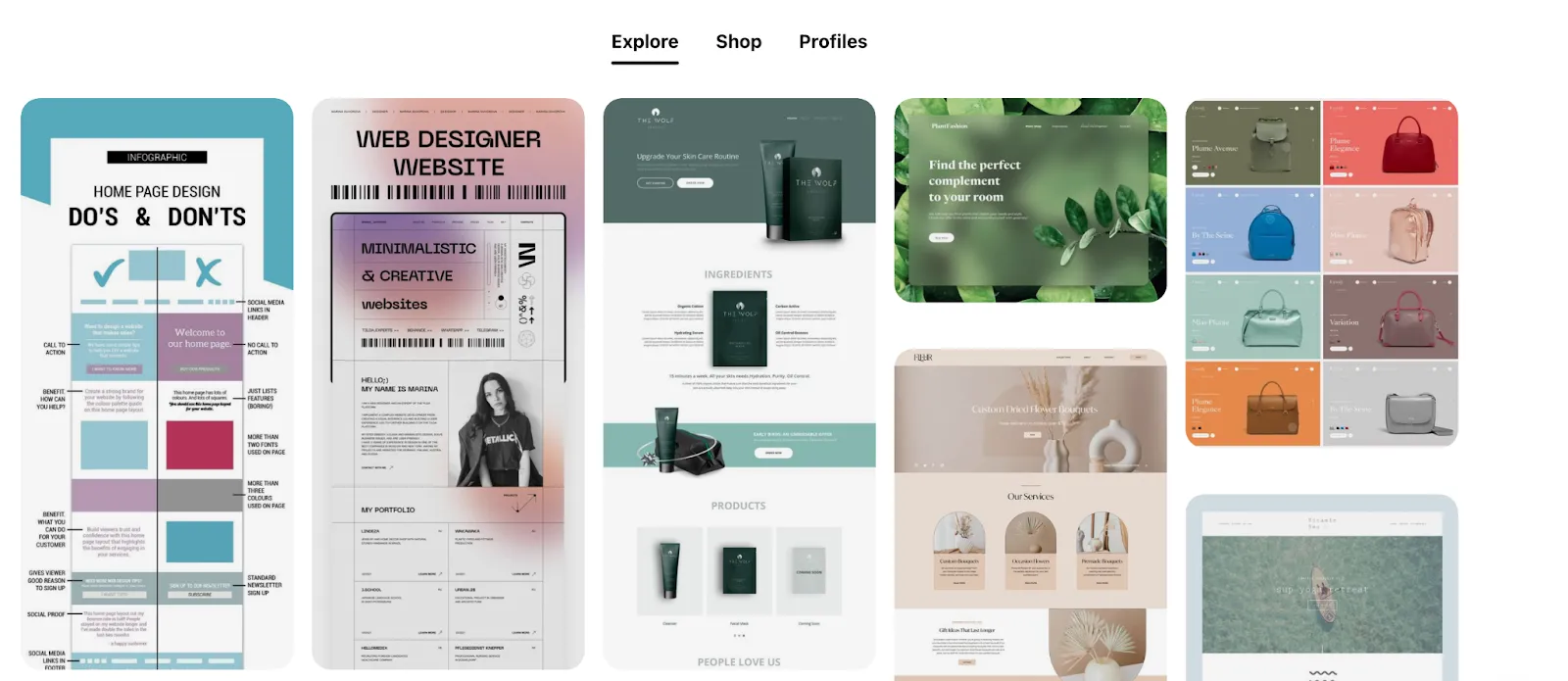
Yup! It all starts with googling. Do not feel tense when you want to look for ideas. Open your browser and type in ‘Web Design Ideas’, you will get instant resources in seconds.
Keep your options open before narrowing down on potential web design.
Another option is to browse through your favorite brands web designs. List down what you like about the design and what you think of the features that could be improved and why. Reflect on your findings and start planning!
Get inspired with Pinterest.
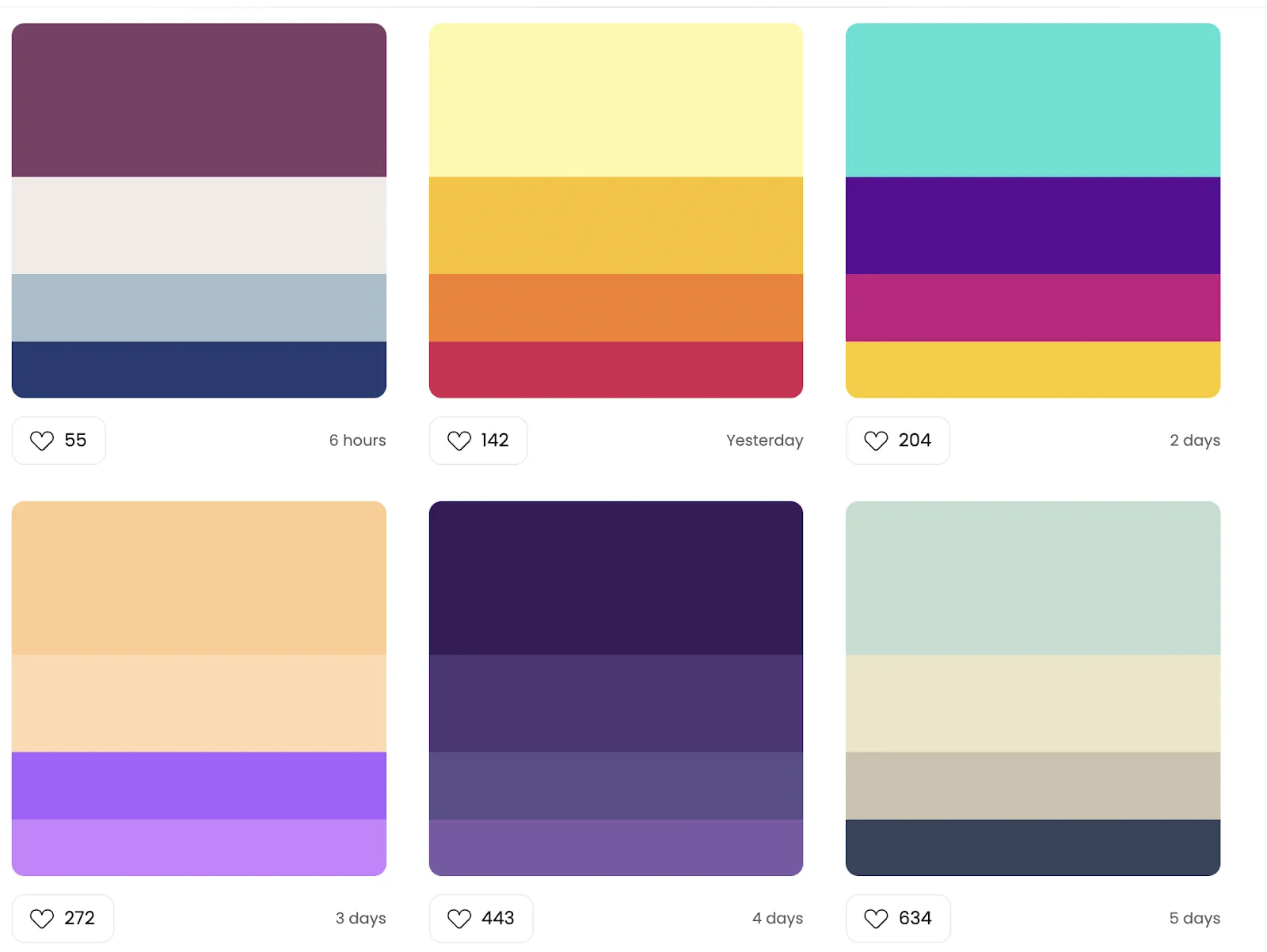
Choosing colors that speak to and represent your brand could be tricky. Most colors have a universal meaning. For example, blue means peace, red means bold, and black means elegance. However, be mindful that some colors have different meanings in different cultures.
Read: Colours and their Meanings Around the World
It depends on your target audience as well when choosing the suitable colors for your website, whether they shared similar understanding through your colors.
Learn about the 12 Tips to Select Colors and Fonts for Your Websites.
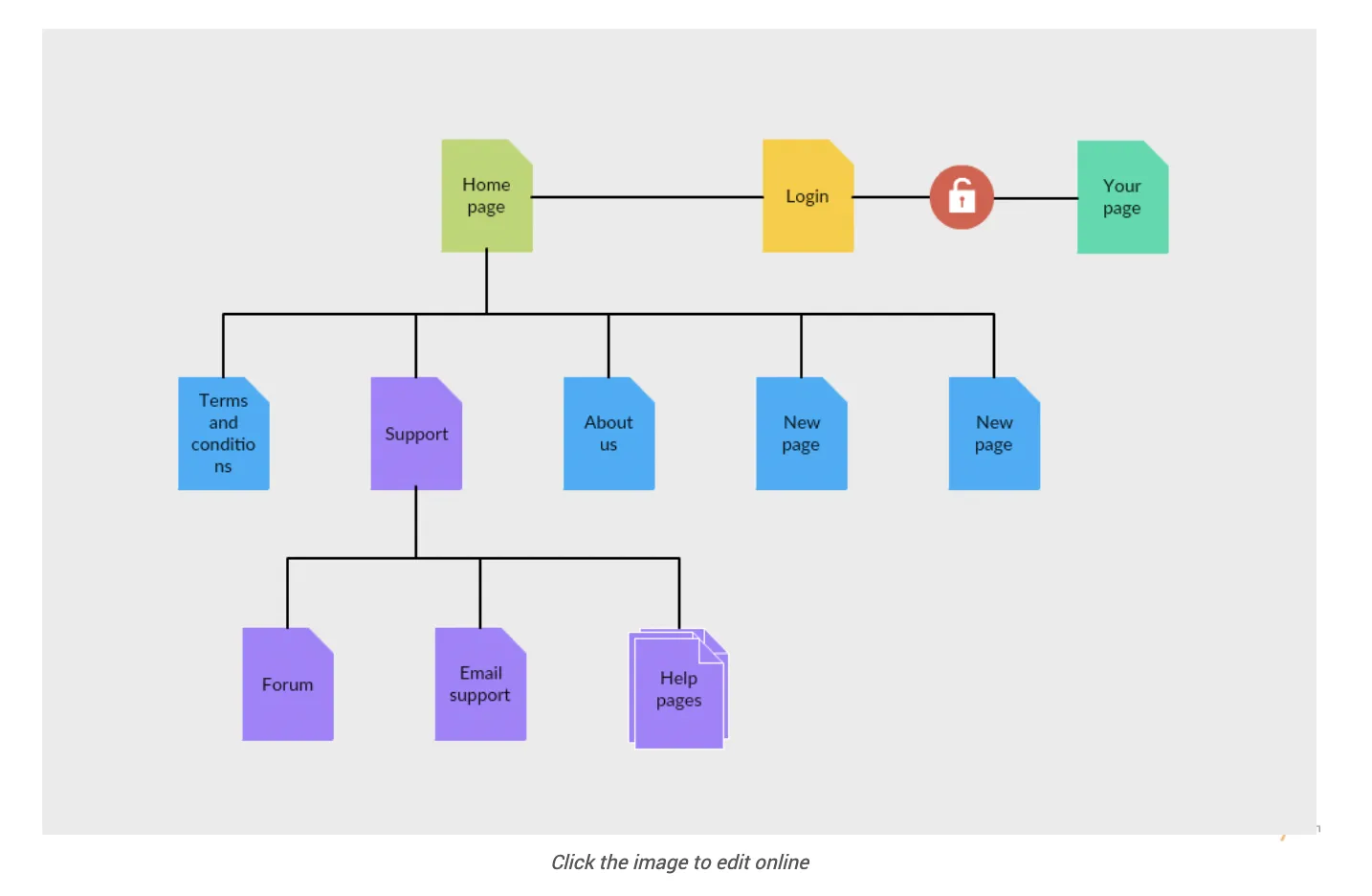
There are different types of website content structure. How would you structure your website? What can your audience see on the first page of your website? How many links are you planning to insert and does the flow of your website sitemap make sense to your audience?
You can read more on website sitemaps here: Sitemap Templates to Help You Plan Your Website
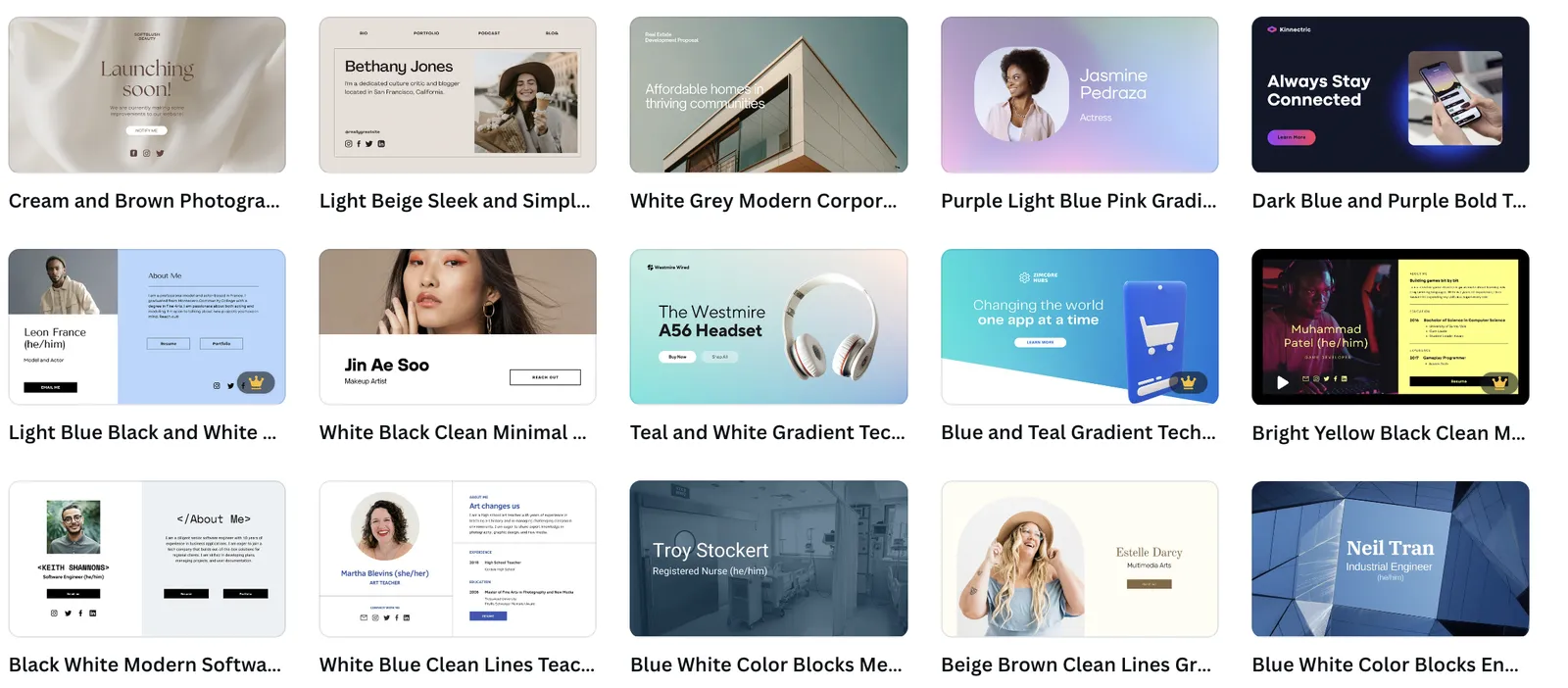
Craft your web design to be visually appealing to your users. What type of font represents your brand identity? How are you implementing the principles of visual design into your web design? Are you using real photographs or icons? Will there be videos, reviews, awards, or media mentions to build your audience trust in your brand?
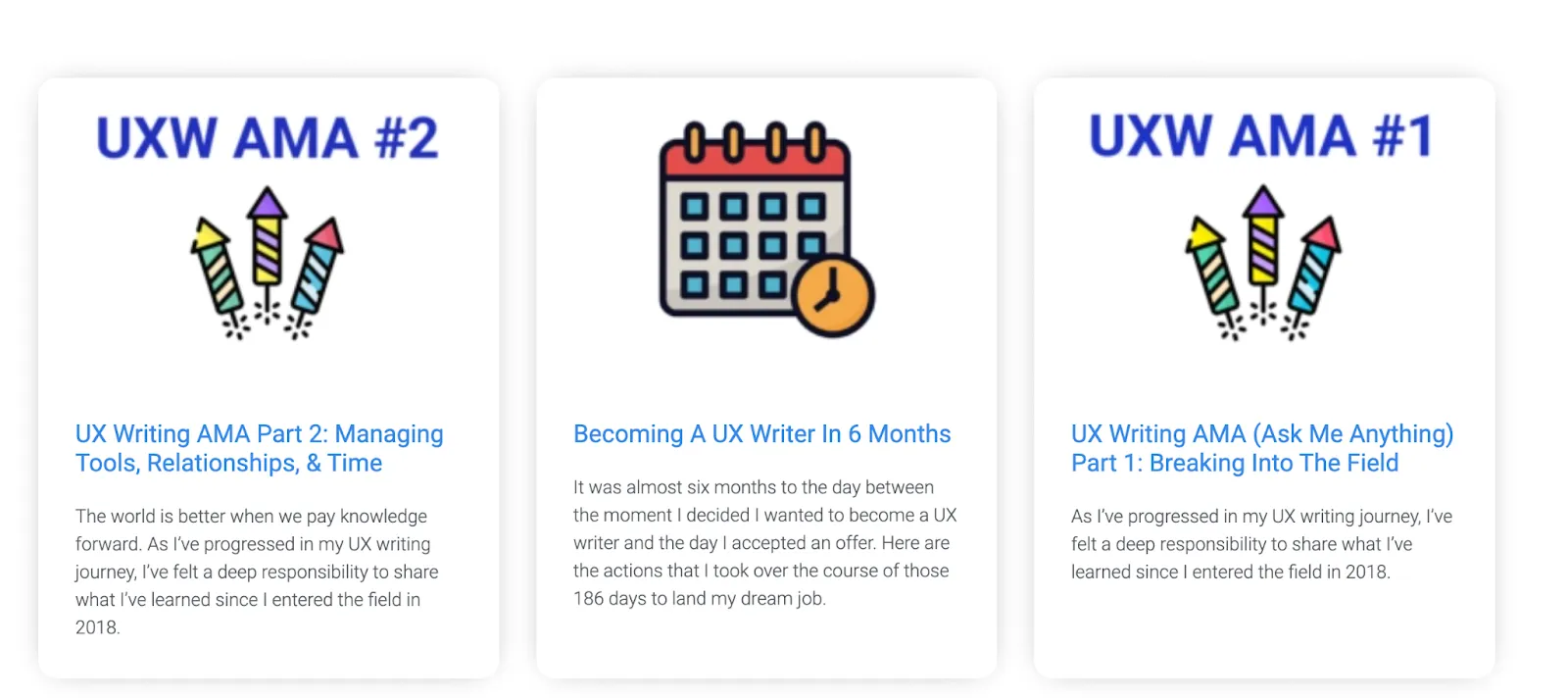
For some, writing is not your forte. You communicate best with visuals. Don't worry because there are resources online for you to learn about UX Writing, such as the UX Writing Hub. UX writing is different from copywriting or creative writing. It is much more straightforward and simple. You do not have to be the next Shakespeare to be able to write.
Learn the 10 Tips for Effective UX Writing.
Let's think a few steps ahead. You have your website ready. Everything looks good, just how would you visualize it to be. Now, how do you increase traffic to your website? Your website is not for your eyes only. You need to ‘send the invitation cards’ for people to know the existence of your website.
( Read: 27 Ways to Increase Traffic to Your Website)
It’s time to spread the word about your website. Have your social media accounts ready. Research on your audience and the type of social media platforms they prefer to ‘hang out’ at. Talk their language and build relationships with your audience.
Remind your audience accordingly, through your social media accounts about your website and what your product or service has to offer.
It feels great to win something, right? Create simple contests or campaigns to increase engagement towards your product or service.
Design a page or social posts exclusively for the contest or campaign. You are not only attracting people to participate in your contest but also lead people to your website.
Make people wonder, what else is there on your website?

Update your website features accordingly to meet users and market demands. Think about how people could use your product in the long run? How could your product remain relevant over time? What do you need to keep up to stay updated and current?
Surprise your users with new features that will keep your relationship with your users closer. Redesign your web design when you feel the website needs some ‘freshen up’.
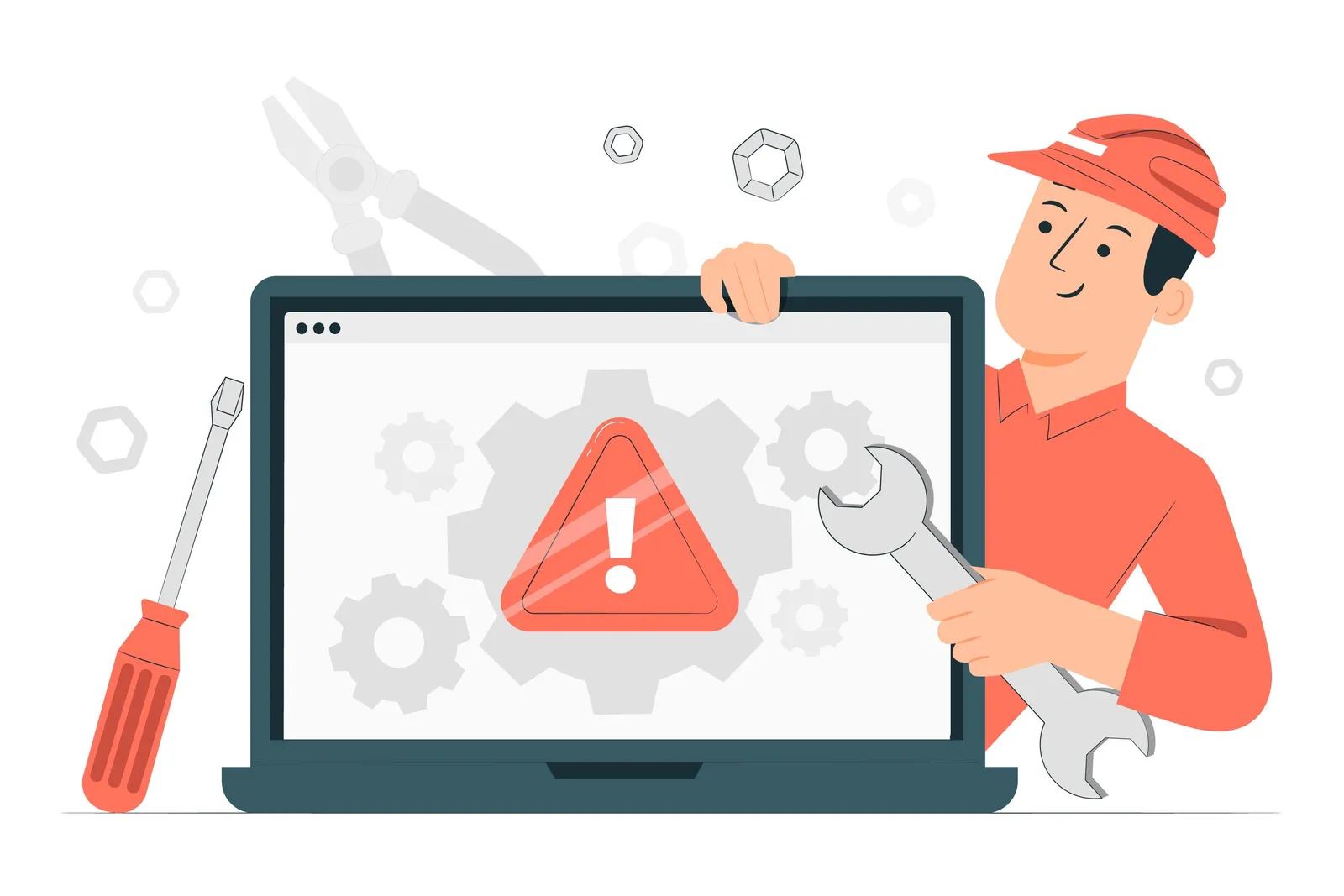
Fix bugs or technical issues in a timely manner and listen to your users’ feedback. Nobody likes to use a website that has many errors which affects their user experience. It makes hangry people more hangry.
Reflect on your users’ feedback to improve your website design and functionality.
Want more tips on web design ideas for beginners? Book a 1:1 free mentoring session at ADPList today!

Free sessions available with verified mentors on ADPList.
Get to know the latest UX Designers Must-Have Tools here with mentors, Ann Criqui and Joy Liu!
Ann CriquiWhat changes will a collaboration between generative AI and creative work bring to the playing field? We see what we can expect from GenAI.
 Reena Aggarwal
If you're looking to build a website that grabs attention and leaves a lasting impression, read on. We'll show you how to.
 Burkhard Berger
![The Definitive Guide To A Creative Website Design [2023]](https://adplist-bucket.s3.amazonaws.com/media/blog/the-definitive-guide-to-a-creative-website-design-2023-cover.webp)